Holafly eSIM: Compatible Devices and Brazil Limits
11/12/2026
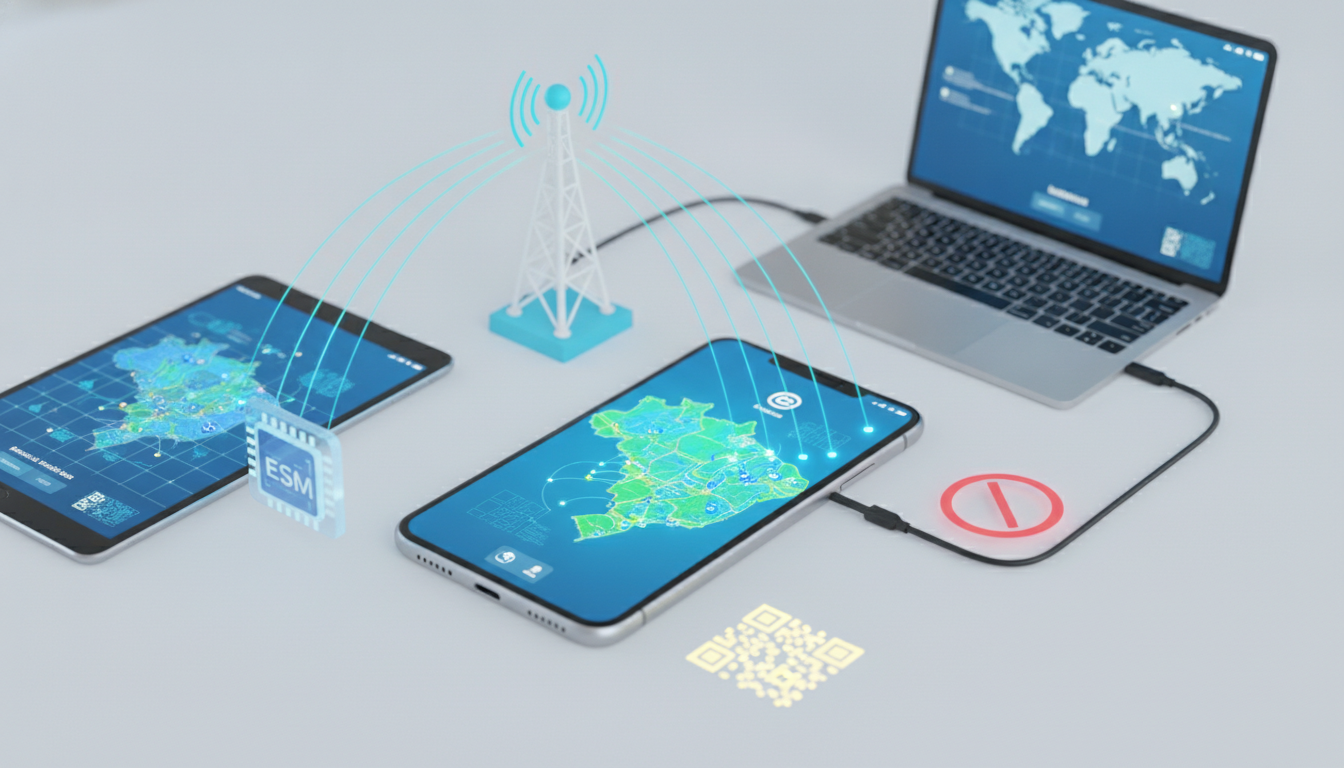
Holafly eSIM works in Brazil only when your phone is unlocked, eSIM-compatible, and able to connect to a supported Brazilian mobile network. Holafly advertises unlimited-data prepaid eSIMs in more than 200 destinations, but “unlimited” does not remove device, activation, coverage, or hotspot restrictions.
Devices That Can Use a Holafly eSIM in Brazil
The model and its regional version matter more than the brand name. A phone can support eSIM in one country and omit it in another, especially when it was sold with carrier restrictions.
| Device category | Compatibility check | What to verify before buying |
|---|---|---|
| iPhone | Apple must list eSIM support for the exact model and region | The iPhone must be carrier-unlocked |
| Samsung Galaxy | The exact Galaxy variant must support eSIM | Some regional versions disable eSIM |
| Google Pixel | The exact Pixel model must support eSIM | Confirm that the model is approved for eSIM use in your market |
| iPad and tablets | The cellular model must support eSIM | Wi-Fi-only tablets cannot install a mobile plan |
| Laptops and other devices | The device must include a compatible eSIM module | A physical SIM slot alone does not prove eSIM support |
Apple’s support documentation identifies eSIM-compatible iPhone models, but the model number and country version still need checking. On Android, open Settings > Network & internet > SIMs on a Google Pixel, or Settings > Connections > SIM manager on many Samsung Galaxy phones.
If there is no option to add a mobile plan, the device may not support eSIM, or the manufacturer may have disabled the function for that regional version.
I always start by checking the exact model number, not the marketing name. “Galaxy S23” is not precise enough: the regional variant can determine whether the eSIM menu exists.
The unlock requirement
A phone with a carrier lock may accept the Holafly QR code but refuse to register the eSIM for mobile service. The lock is applied by the original carrier, not by Holafly, so installing the profile cannot bypass it.
On an iPhone, check Settings > General > About > Carrier Lock. The expected status for use with a travel eSIM is “No SIM restrictions.” Android menus vary by manufacturer, so the practical test is whether the phone accepts a SIM or eSIM from a different carrier before departure.
The consequence of missing this check is concrete: you can install the Holafly profile successfully and still have no Brazilian data connection after landing.
Dual-SIM behavior
Most compatible phones can keep your regular SIM active while using Holafly for data. That allows you to receive messages sent to your usual number, although your home carrier may charge for roaming, calls, or SMS.
Set Holafly as the mobile-data line and disable data switching. If automatic data switching remains enabled, the phone can silently move traffic back to your home SIM when the Holafly signal weakens.
That is how an apparently successful setup can still produce roaming charges.
How the Holafly eSIM Activation Process Works
Holafly delivers a digital SIM profile rather than a plastic card. The GSMA specification SGP.22 defines the consumer eSIM remote-provisioning architecture used by many modern smartphones: the phone downloads an operator profile through an activation code or QR code.
Install the eSIM while you have reliable Wi-Fi, preferably before flying. The profile download requires an internet connection, but the Brazilian mobile connection only becomes useful once the plan is activated and the phone reaches a compatible local network.
-
Confirm compatibility and unlock status.
Check the model, eSIM menu, and carrier-lock status. The sign that this step is complete is a visible “Add eSIM” or “Add mobile plan” option. -
Install the Holafly profile over Wi-Fi.
Scan the QR code or follow the installation link supplied after purchase. Do not delete the profile after installation: many eSIMs cannot be reinstalled freely once removed. -
Label the lines clearly.
Name one line “Holafly Brazil” and the other your home carrier. Clear labels prevent the common mistake of selecting the wrong data line. -
Choose Holafly for mobile data.
Turn off automatic data switching. If the phone displays signal bars and a network name but apps cannot load, check the data-line setting before changing anything else. -
Enable data roaming for the Holafly line if instructed.
Travel eSIMs commonly require roaming to be enabled because the eSIM connects through a partner network. Enable it on Holafly, not automatically on your home line. -
Test a simple service first.
Open a map or send a messaging-app text. A successful test shows that the profile is installed, the correct line is selected, and the phone has obtained mobile data.
For practical planning, the mobile internet guide for Brazil explains why signal conditions change between major cities, highways, and remote areas. That distinction matters because a compatible eSIM cannot create coverage where the underlying partner network is absent.
Network Compatibility and Brazil Coverage
Holafly’s Brazil service depends on the local network partners available to its plan. The eSIM is not itself a radio network; it is a digital subscriber profile that authorizes access through partner infrastructure.
Brazil uses 4G LTE widely in populated areas, while 5G availability depends on the handset’s bands, the local network, the plan configuration, and the specific location. A 5G-capable phone therefore does not guarantee a 5G connection through Holafly.
The practical pattern is straightforward:
- In dense urban areas such as São Paulo or Rio de Janeiro, compatible LTE service is generally the realistic baseline.
- On intercity roads, the phone may move between LTE, 3G, and no service as coverage changes.
- In Amazonian or sparsely populated areas, the decisive limitation is local infrastructure rather than the eSIM brand.
- Indoors, concrete walls, elevators, and underground transport can reduce signal even when an outdoor coverage map looks strong.
If the phone shows “No Service,” first confirm that the Holafly line is enabled and that network selection is set to automatic. If it shows a network name but data remains unavailable, verify the mobile-data line and roaming setting.
I’d advise against manually forcing a network unless Holafly support specifically directs you to do so: the wrong selection can leave the phone attached to a network that does not authorize the plan.
For a local-network comparison, the Brazil data plan guide for tourists covers the practical differences between Claro, Vivo, and TIM. That is useful when your itinerary includes regions where one operator has a stronger footprint than another.
Unlimited Data Does Not Mean Unlimited Hotspot
Holafly markets unlimited data plans, but the service can still apply fair-use controls, local network restrictions, or tethering limits. The exact hotspot allowance and permitted use depend on the Brazil plan’s current terms, so check the product page before paying rather than assuming that “unlimited” means unrestricted tethering.
Hotspot is the most important technical limitation for travelers carrying a laptop or sharing data with a companion. Some plans allow tethering only under a separate daily limit; others restrict it altogether.
Before relying on the eSIM for work, test these points:
- Whether the plan permits personal hotspot use.
- Whether the hotspot allowance is separate from phone data.
- Whether laptop VPN traffic works on the mobile connection.
- Whether the phone can share data while keeping the home SIM active.
- Whether the plan is intended for personal use rather than a permanent home-internet replacement.
When a hotspot disconnects after heavy use, repeatedly toggling airplane mode will not remove a provider-side restriction. The phone may be functioning correctly while the plan enforces its tethering policy.
Choosing Holafly for a Brazil Trip
MyBestSim lists Holafly at rank 3 for Brazil and shows a 5% unlimited-data promotion with the code MYBESTSIM. That offer should be checked at checkout because promotional terms can change, and the code does not solve a compatibility problem.
I would choose Holafly when the priority is a simple prepaid setup and the phone is already confirmed compatible. I would look more carefully at a local Brazilian plan when hotspot use, a fixed phone number, or extended stays matter more than installation convenience.
Holafly is primarily a data service, so do not buy it expecting a Brazilian voice number; keep your normal number for calls and SMS, subject to your home carrier’s roaming charges.
The phone’s eSIM capacity also matters. Many devices can store multiple eSIM profiles but activate only a limited number of lines simultaneously.
Before departure, keep the Holafly profile installed, record which line handles data, and avoid deleting it during troubleshooting: removal can turn a minor configuration problem into a reinstallation problem requiring Wi-Fi and a new activation process.
FAQ
Can any unlocked phone use a Holafly eSIM?
No. Your phone must support eSIM technology, use a compatible regional model, and be carrier-unlocked. Check for an “Add eSIM” or “Add mobile plan” option in settings before buying. A physical SIM slot alone does not prove that the device can install a Holafly profile.
How do you activate Holafly in Brazil?
Install the Holafly profile over reliable Wi-Fi before departure, then label it clearly and select it for mobile data. Enable data roaming for the Holafly line if instructed, while disabling automatic data switching. After landing, test the connection with a map or messaging application.
Which Brazilian networks does Holafly use?
Holafly connects through available Brazilian partner networks rather than operating its own radio infrastructure. Service is generally more dependable in populated areas, while highways, remote regions, buildings, and underground locations can reduce coverage. Your phone’s bands, local infrastructure, and plan configuration also affect LTE or 5G access.
Does Holafly unlimited data include unrestricted hotspot use?
Not necessarily. Brazil plans may apply separate tethering limits, fair-use controls, or hotspot restrictions even when phone data is advertised as unlimited. Review the current product terms before relying on Holafly for a laptop, VPN work, or sharing internet with another traveler.
Can you keep your regular number with Holafly Brazil?
Usually, you can keep your home SIM active for calls and messages while assigning Holafly to mobile data. Disable data switching to prevent accidental roaming through your primary line. Your carrier may still charge for calls, SMS, or roaming, and Holafly generally does not provide a Brazilian voice number.

Marina Costa
Marina is a travel writer who has crossed Brazil from Rio to the Amazon. At Brazil eSIM she compares Claro, Vivo and TIM data plans and helps visitors stay online without roaming fees.