How to Activate and Use T Mobile Prepaid eSIM in 2026
8/8/2026
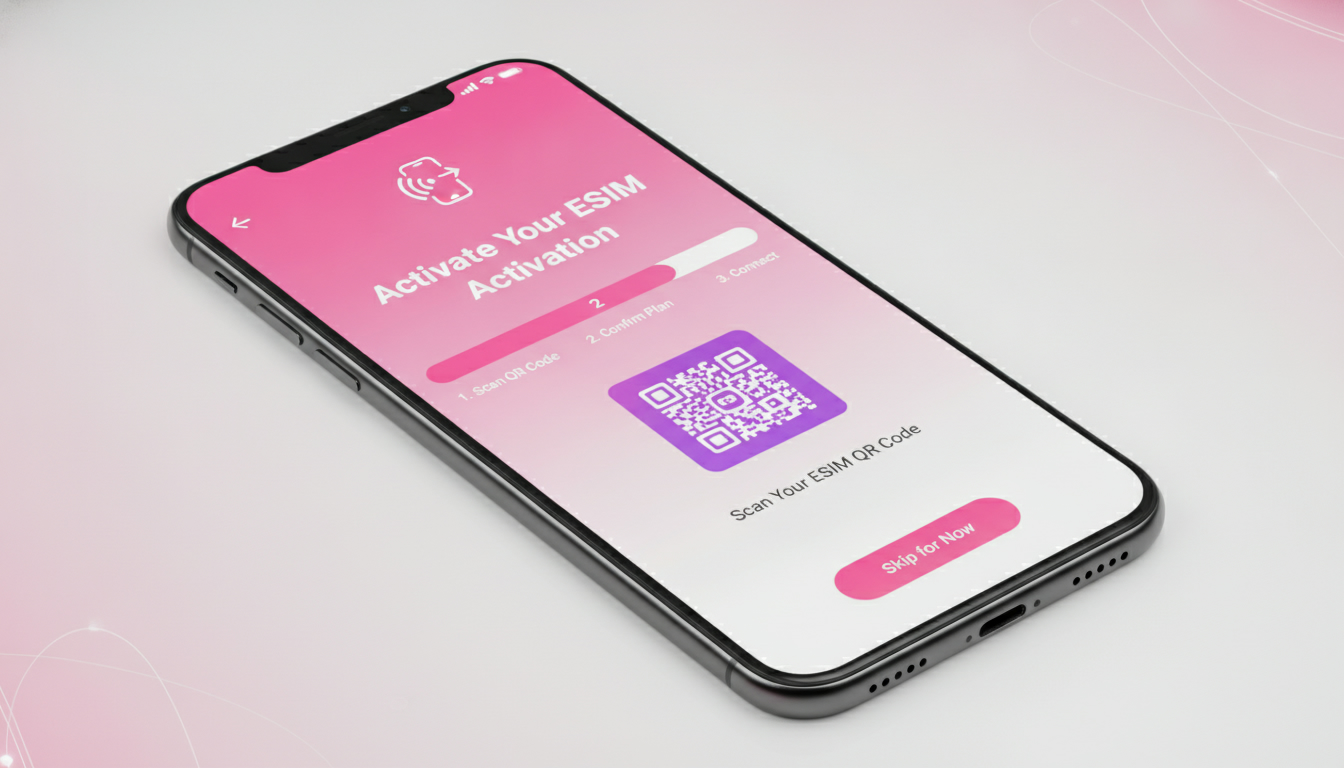
In short, what you'll discover in this article: Explore everything about the T-Mobile prepaid eSIM, including how to activate it, device compatibility, benefits, and pricing. Learn how this convenient option can simplify your mobile setup without needing a physical SIM card.
1. Introduction — What Is the T-Mobile Prepaid eSIM?
1.1 Quick Definition and Use Cases
A T-Mobile prepaid eSIM is a digital SIM embedded in your device that allows you to activate prepaid mobile service without a physical SIM card. This technology is ideal for travelers, tourists, and users who want to manage multiple lines or devices easily.
For example, if you’re visiting the U.S. or switching plans without visiting a store, the prepaid eSIM offers a hassle-free solution.
2. eSIM vs Physical SIM Card
2.1 Advantages and Disadvantages for a Prepaid Plan
The benefits of T-Mobile prepaid eSIM include:
- Instant activation via app or web without waiting for delivery
- No need to swap physical cards when changing plans
- Ability to manage multiple lines on one device
- Reduced risk of losing or damaging a physical SIM
However, some limitations exist:
- Not all devices support eSIM technology
- You can only store a limited number of eSIM profiles on one device
- Switching between profiles may require manual selection
2.2 Technical Limitations (Compatible Devices, Number of Profiles)
Most modern smartphones support eSIMs but check your device’s compatibility before switching. Typically, devices can store up to five eSIM profiles but only one can be active at a time.
This might limit users who want multiple active lines simultaneously.
3. Device Compatibility
3.1 iPhone (Supported Versions) — Specific Steps
iPhones from the XR model onwards generally support T-Mobile prepaid eSIMs. To activate:
- Ensure your iPhone is unlocked and updated to the latest iOS version
- Download the T-Mobile Prepaid eSIM app or use the web activation portal
- Scan the QR code provided or enter the activation code manually
3.2 Android (Samsung, Google, Others) — Particularities
Many recent Samsung Galaxy and Google Pixel models support T-Mobile prepaid eSIMs. Activation steps vary slightly by manufacturer but usually involve:
- Accessing cellular settings
- Selecting “Add mobile plan”
- Scanning the QR code or entering an activation code
Check your Android version and device model for full compatibility details.
3.3 Tablets and Smartwatches
Some tablets and smartwatches with cellular capabilities also support T-Mobile prepaid eSIMs, allowing you to stay connected without tethering your phone.
4. How to Get a T-Mobile Prepaid eSIM
4.1 Purchase Options (Online, In-Store, Resellers)
You can obtain a T-Mobile prepaid eSIM through:
- The official T-Mobile Prepaid eSIM app for instant online activation
- Authorized retail stores if you prefer in-person assistance
- Select resellers offering prepaid plans with eSIM support
4.2 What You Need to Prepare (Credentials, QR Code, Activation Code)
Before activating your prepaid eSIM, have ready:
- Your device’s IMEI number
- A valid ID if required by T-Mobile
- The QR code or activation code sent via email or displayed in the app
5. Step-by-Step Activation Tutorial
5.1 Activation on iPhone (Step 1 → Final Step)
- Open Settings > Cellular > Add Cellular Plan
- Scan the QR code provided by T-Mobile or enter the activation code manually
- Follow on-screen instructions to label your plan and set preferences
- Confirm activation and test connectivity
5.2 Activation on Android (Steps and OS Differences)
- Go to Settings > Network & Internet > Mobile Network > Add Carrier
- Scan QR code or input activation details manually
- Confirm plan addition and select it as active if needed
- Restart your device if connectivity issues arise
6. Plans, Pricing, and Top-Up
6.1 Types of Prepaid Plans Available and How to Choose
T-Mobile offers various prepaid data packages tailored for different needs:
- Short-term unlimited talk/text/data plans starting around $50 for 30 days
- Flexible data-only plans for travelers or light users
Choosing depends on your usage patterns—heavy data users should consider unlimited plans while casual users might prefer smaller data packages.
6.2 How to Recharge and Check Validity/Balance
You can recharge your T-Mobile prepaid eSIM via:
- The official app or website using credit/debit cards
- Retail stores selling prepaid top-up cards
- Auto-recharge options for uninterrupted service
Balance checks are accessible through the app or by dialing specific USSD codes.
7. Roaming and International Use
7.1 Coverage Areas, Costs, and Tips to Avoid Surprise Fees
T-Mobile prepaid eSIMs provide coverage across the U.S., with international roaming available in select countries at additional costs. For international travelers seeking affordable connectivity without roaming fees, consider specialized travel eSIM providers like those featured on MyBestSim.
To avoid unexpected charges:
- Verify roaming rates before traveling abroad
- Disable data roaming if not needed
- Use Wi-Fi whenever possible
8. Managing and Transferring Your eSIM
8.1 Deleting, Reinstalling, and Transferring an eSIM Profile
You can delete an old prepaid profile via device settings when switching plans or devices. Reinstalling requires scanning a new QR code from T-Mobile’s portal or app.
Transferring an active profile between devices is generally not supported; instead, activate a new profile on the target device.
8.2 Managing Multiple eSIM Profiles on One Device
Devices supporting multiple profiles let you switch between personal and business lines easily—ideal for users juggling different numbers without carrying multiple phones.
9. Common Troubleshooting
9.1 QR Code Not Recognized / Activation Failed
If your device fails to scan the QR code:
- Ensure camera focus is clear and lighting adequate
- Try manual entry of the activation code if available
- Restart your device and retry activation
Contact T-Mobile support if problems persist.
9.2 Connectivity Issues After Activation
If you experience no signal or limited service post-activation:
- Confirm that your plan is active in your account dashboard
- Restart your phone to refresh network settings
- Check for software updates that may improve compatibility
10. Conclusion and Call to Action
Switching to a T-Mobile prepaid eSIM offers convenience, flexibility, and easy management without physical SIM cards—perfect for modern smartphone users seeking hassle-free mobile service. Before making the switch, verify your device’s compatibility and explore available plans through official channels like the T-Mobile Prepaid eSIM app. Simplify your mobile experience today!
For more detailed guides on activating an eSIM abroad or exploring data plans tailored for Brazil travel, visit our comprehensive resources such as how to get an eSIM in Brazil or best Brazil travel eSIM plans.
FAQ
How do I activate a T-Mobile prepaid eSIM?
To activate, open your device settings, scan the QR code or enter the activation code from T-Mobile, and follow the on-screen prompts. Activation can be done via the T-Mobile app or website without needing a physical SIM card.
Which devices support T-Mobile prepaid eSIMs?
Most iPhones from XR onward and recent Samsung Galaxy and Google Pixel models support T-Mobile prepaid eSIMs. Tablets and smartwatches with cellular capabilities may also be compatible, but always check your device’s specifications first.
What are the benefits of using a prepaid eSIM with T-Mobile?
Prepaid eSIMs offer instant activation, no physical SIM swapping, multiple line management on one device, and reduced risk of losing a SIM card. They simplify mobile setup and are ideal for travelers or users wanting flexible prepaid plans.
Can I use my T-Mobile prepaid eSIM internationally?
T-Mobile prepaid eSIMs provide U.S. coverage with international roaming available in select countries at extra cost. To avoid surprise fees, check roaming rates before travel, disable data roaming if unnecessary, and use Wi-Fi when possible.
How do I manage multiple eSIM profiles on one device?
Devices supporting multiple eSIM profiles let you store several lines but only activate one at a time. You can switch between profiles manually in your device’s cellular settings, making it easy to separate personal and business numbers.

Marina Costa
Marina is a travel writer who has crossed Brazil from Rio to the Amazon. At Brazil eSIM she compares Claro, Vivo and TIM data plans and helps visitors stay online without roaming fees.