How to Activate and Use T Mobile eSIM Plans in 2026
7/21/2026
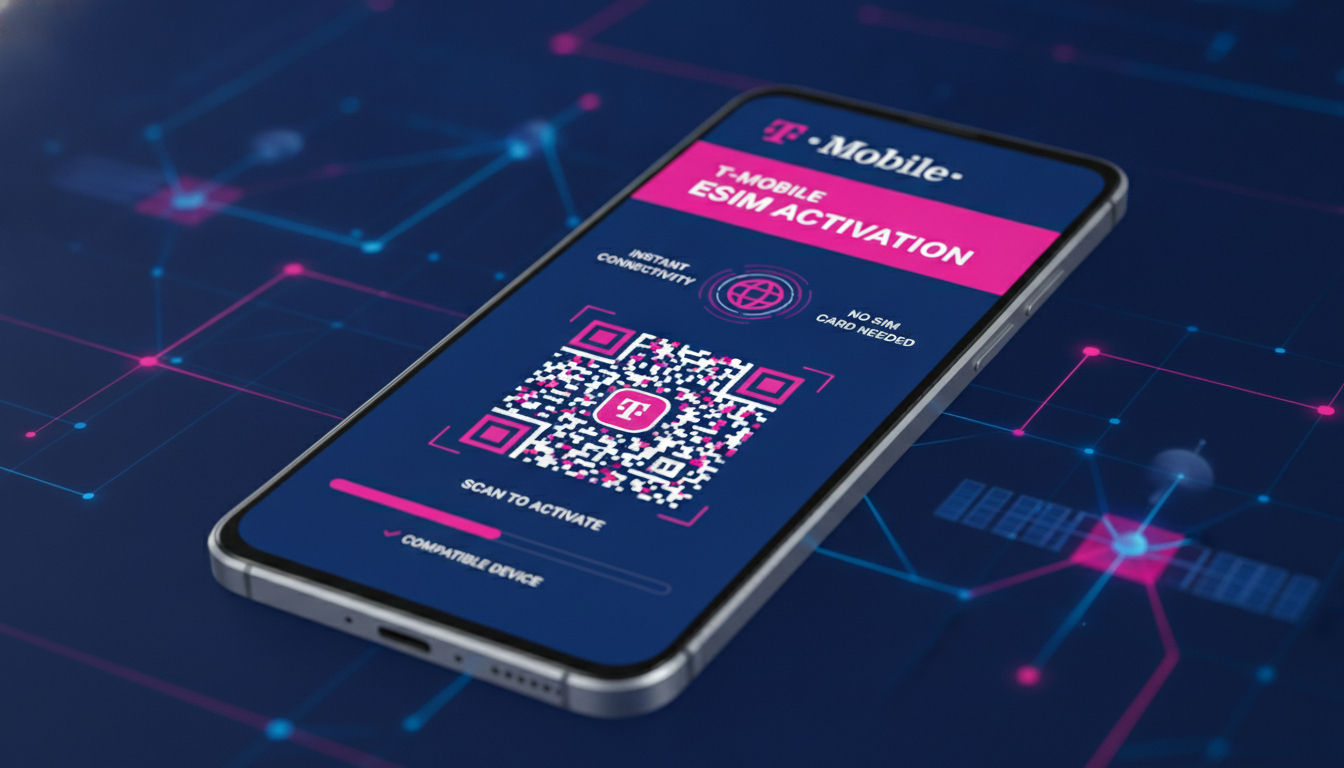
In short, what you'll discover in this article: Explore everything about the T Mobile eSIM, including compatible devices, activation steps, benefits over physical SIM cards, and how to switch smoothly. Learn about T Mobile eSIM plans, coverage, and customer support to make an informed choice.
1. Understanding T Mobile eSIM: What It Is and How It Works
An eSIM is a digital SIM embedded in your device that allows you to connect to the T Mobile network without needing a physical SIM card. This technology lets you activate a cellular plan directly on your phone, making switching carriers or plans faster and more convenient.
The T Mobile eSIM works by storing your subscriber information securely on your device. When activated, it connects your phone to T Mobile’s network just like a traditional SIM card would, but without the hassle of swapping physical cards.
2. Checking for a T Mobile eSIM Compatible Device
Before switching to a T Mobile eSIM, you need to confirm that your phone supports it. Most newer smartphones from brands like Apple (iPhone XS and later), Google Pixel (Pixel 3 and newer), and Samsung Galaxy (S20 series and above) offer T Mobile eSIM compatibility.
To check:
- Visit T Mobile’s official support page on SIM card & eSIM.
- Look up your device model for eSIM support.
- Alternatively, check your phone settings under Cellular or Mobile Data for an option to add a cellular plan.
Having a compatible device is essential for enjoying the full benefits of the T Mobile eSIM service.
3. The Benefits of T Mobile eSIM Over Physical SIM Cards
Switching to the T Mobile eSIM offers several advantages:
- Convenience: No need to handle tiny physical SIM cards or visit a store.
- Dual SIM Capability: Use two lines on one phone—perfect for separating work and personal numbers.
- Instant Activation: Activate or switch plans quickly without waiting for delivery.
- Enhanced Security: The embedded chip is harder to remove or tamper with.
- Travel Flexibility: Easily add international plans without swapping SIMs.
These benefits make the T Mobile eSIM an attractive option for users seeking flexibility and ease of use.
4. The T Mobile eSIM Activation Process: Step-by-Step Guide
Activating the T Mobile eSIM is straightforward. Here’s how to do it:
- Ensure Your Device Is Compatible: Confirm your phone supports T Mobile eSIM.
- Purchase or Switch to an eSIM Plan: You can buy prepaid or postpaid plans that support eSIM.
- Download the T Mobile Prepaid eSIM App (if applicable): For prepaid users, this app simplifies activation on iPhone or Android.
- Scan the QR Code Provided by T Mobile: This code downloads your eSIM profile onto your device.
- Follow On-Screen Instructions: Complete setup by confirming cellular settings.
- Restart Your Device: This ensures proper network connection.
If you want detailed instructions tailored to your device manufacturer, check out T Mobile’s interactive guide on how to download an eSIM using a QR code.
5. How to Switch to a T Mobile eSIM From a Physical SIM
Switching from a physical SIM card to the T Mobile eSIM involves:
- Backing up any important data linked to your current SIM.
- Requesting an eSIM activation from T Mobile via their app or customer support.
- Following the activation process described above.
- Removing your physical SIM if desired after confirming the eSIM works correctly.
This switch enables you to enjoy dual SIM functionality and eliminates the risk of losing or damaging physical cards.
6. Exploring T Mobile eSIM Data Plans and Costs
T Mobile offers various data plans compatible with their eSIM service, including prepaid options ideal for travelers or those wanting flexible contracts.
Key points about costs:
- Pricing varies based on data allowance and contract type.
- Prepaid plans can be activated instantly via the T Mobile Prepaid eSIM app.
- International travelers can benefit from special short-term plans with unlimited talk, text, and data starting at affordable rates.
For travelers visiting Brazil or other destinations, consider checking local providers’ offers through services like brazil-esim.com for competitive data plans tailored to your needs.
7. Coverage of T Mobile eSIM Service
The coverage of the T Mobile eSIM service matches that of their traditional network since it uses the same infrastructure. You can expect:
- Nationwide 4G LTE and growing 5G availability.
- Reliable connections in urban and many rural areas.
- Seamless roaming options when traveling internationally.
Coverage quality depends on location but generally aligns with what you’d get using a physical SIM card on T Mobile’s network.
8. Troubleshooting and Customer Support for T Mobile eSIM Users
If you encounter issues activating or using your T Mobile eSIM, customer support is available through multiple channels:
- Online chat via the official website.
- Phone support for personalized assistance.
- In-store help if needed.
Common issues include QR code scanning errors or compatibility questions. Having clear guidance beforehand reduces frustration significantly.
9. Additional Tips: Managing Your T Mobile eSIM Experience
To get the most out of your T Mobile eSIM:
- Keep your device software updated for smooth operation.
- Use dual SIM features wisely by assigning default lines for calls and data.
- Monitor usage through the carrier app or phone settings.
- Consider international travel plans if you often visit other countries; these can be added easily without swapping cards.
For Brazil travelers interested in local connectivity options alongside their primary line, see our detailed guides on eSIM for Brazil tourists, Brazil travel eSIM, and how to get an eSIM in Brazil.
10. Conclusion
The T Mobile eSIM offers a modern, flexible way to manage mobile connectivity with easy activation, broad compatibility, and multiple benefits over physical SIM cards. Whether upgrading your current plan or preparing for travel, understanding how to set up and use this technology ensures a seamless experience.
For more tailored options during trips abroad, especially in Brazil, explore trusted local providers through resources like brazil-esim.com.
Make sure to check if your device supports an eSIM before switching and take advantage of apps designed for quick activation—this will save time and avoid common pitfalls while enjoying all that T Mobile’s digital SIM technology has to offer.
FAQ
Which devices support T Mobile eSIM activation?
Most recent smartphones like iPhone XS and later, Google Pixel 3 and newer, and Samsung Galaxy S20 and above support T Mobile eSIM. You can verify compatibility on T Mobile’s official support page or in your phone’s cellular settings.
How do I activate a T Mobile eSIM on my phone?
To activate, confirm device compatibility, purchase an eSIM plan, scan the QR code from T Mobile, follow on-screen prompts, and restart your device. Prepaid users can also use the T Mobile Prepaid eSIM app for easier setup.
What advantages does T Mobile eSIM offer over physical SIM cards?
T Mobile eSIM provides convenience by eliminating physical cards, supports dual SIM functionality, enables instant activation, enhances security, and offers easy international plan additions without swapping SIMs.
Can I switch from a physical SIM to a T Mobile eSIM easily?
Yes, you can switch by backing up your data, requesting eSIM activation through T Mobile’s app or support, completing the activation steps, and then removing your physical SIM after confirming the eSIM works.
What should I do if I face issues with my T Mobile eSIM?
If you encounter problems, contact T Mobile customer support via online chat, phone, or in-store. Common issues include QR code scanning errors or device compatibility questions, which their support team can help resolve.

Marina Costa
Marina is a travel writer who has crossed Brazil from Rio to the Amazon. At Brazil eSIM she compares Claro, Vivo and TIM data plans and helps visitors stay online without roaming fees.