Superalink Review for Travelers How to Activate and Use in Brazil
10/20/2026
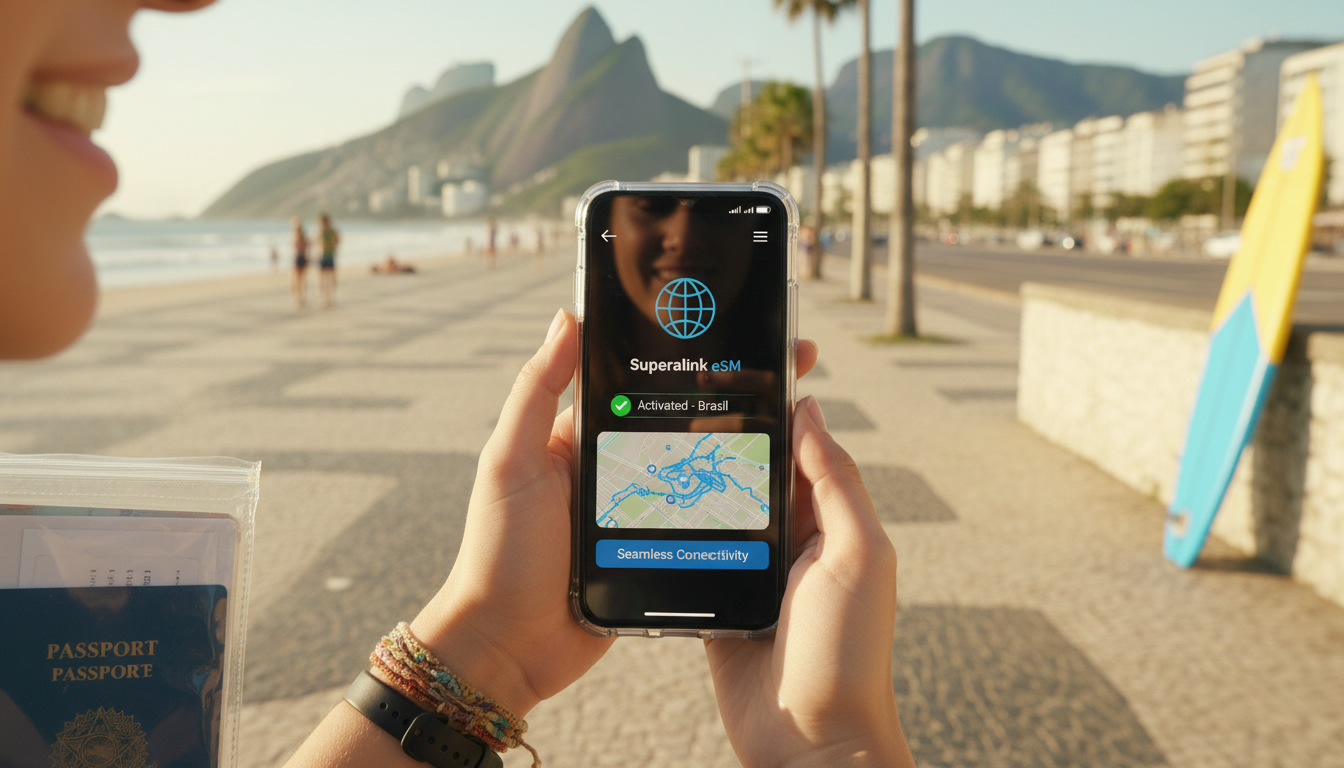
Superalink Review: A Traveler’s Practical Guide to Staying Connected in Brazil
If you’re planning a trip to Brazil and considering Superalink as your eSIM provider, you want to know exactly how it performs in real travel conditions. From activation to coverage, and the common pitfalls to avoid, this review walks you through the steps with practical insights that only come from hands-on knowledge.
I’ll share what to expect, how to get set up without hassle, and what you should watch out for to keep your connection stable throughout your journey.
How to Activate Superalink eSIM: Step-by-Step for Travelers
Activating a Superalink eSIM is straightforward but requires attention to detail to avoid common mistakes that can disrupt connectivity.
-
Purchase and Receive QR Code: After buying your plan on the Superalink platform, you receive a QR code instantly by email or through their app. This QR code is your key to installing the eSIM profile on your device.
-
Scan the QR Code on a Compatible Device: The device must support eSIM technology—most recent iPhones (XS and later) and many Android models do. I always start by checking device compatibility because attempting installation on unsupported hardware leads to failure.
-
Follow the Installation Prompts: Once scanned, your phone prompts you to add the cellular plan. Here, a common pitfall is rushing through without verifying the plan’s name or settings; misnaming can cause confusion if you have multiple eSIMs installed.
-
Set the Superalink eSIM as Primary or Secondary Data Plan: Depending on your usage, you may want Superalink as your primary data source or just for travel data. The iOS and Android settings allow toggling between plans, but incorrect setup can cause data fallback to your home SIM, leading to roaming charges.
-
Activate Data and Test Connection: After installation, turn off Wi-Fi and check if mobile data works. A useful trick is toggling airplane mode once after activation; this forces the device to register with the new network.
Field Observation: If you activate the eSIM too far from a reliable Wi-Fi connection or without cellular signal, the installation process may stall or fail silently. This happens because the device cannot fetch necessary carrier settings remotely, resulting in no data access despite apparent installation success.
For detailed troubleshooting and manual installation options, Superalink provides an official guide that covers QR code scanning and manual profile addition steps.
Coverage Experience and Performance Analysis in Brazil
Superalink claims coverage in over 150 countries, including Brazil, by partnering with local carriers. But how does this translate on the ground?
Brazil’s vast territory means connectivity quality varies greatly between urban centers like Rio de Janeiro or São Paulo and remote areas such as the Amazon rainforest. Superalink uses roaming agreements primarily with Claro, Vivo, and TIM networks—three major Brazilian providers known for different coverage strengths:
- Claro offers extensive urban coverage but has patchy service in dense forest regions.
- Vivo provides good rural reach but can be inconsistent indoors.
- TIM tends to have competitive pricing but variable signal strength outside cities.
Field Observation: When traveling from Rio into less populated areas, I noticed that automatic network selection sometimes locks onto weaker TIM signals instead of stronger Claro towers nearby. Manually selecting a preferred network in settings often restores better connectivity but requires user intervention.
Superalink’s platform does not currently allow manual network choice within its app; this limitation means travelers must rely on their phone’s native network selection tools.
Potential Pitfalls When Using Superalink on Travel
While Superalink offers convenience, several traps can undermine your experience if overlooked:
-
Overlapping Profiles Confusion: Having multiple eSIM profiles active simultaneously can cause conflicts where data switches unpredictably between providers. I’d advise against keeping old travel eSIMs enabled when activating a new one; disable or remove unused profiles first.
-
Data Plan Expiry Without Notification: Unlike some providers who send alerts before expiration, Superalink’s system may not notify users proactively. This can lead to sudden loss of service mid-trip if you don’t monitor usage closely.
-
Device Compatibility Issues: Some Android devices require manual APN configuration after installation for data to work properly—a step often missed by casual users leading to no internet despite active plans.
-
Limited Customer Support Channels: The customer support is primarily online via chat or email with response times varying widely. For urgent connectivity problems during travel, this delay can be frustrating.
Tips for Staying Connected in Brazil Using Superalink
To make the most of Superalink during your Brazilian trip, consider these practical tips:
Optimize Your Device Settings
- Always verify that your phone’s cellular settings prioritize data usage on the Superalink eSIM.
- Disable automatic network switching if possible; manually select carriers known for better coverage in your area.
- Keep airplane mode toggling handy as a quick reset tool when connection drops unexpectedly.
Monitor Your Data Usage Actively
Superalink offers various plans with different data caps and durations. Since notifications may be sparse:
- Use built-in phone tools or third-party apps to track daily consumption.
- Purchase top-ups proactively before running out rather than waiting for service interruption.
Plan for Offline Alternatives
Brazil’s remote regions often lack reliable mobile coverage regardless of provider:
- Download offline maps and essential travel info before departure.
- Carry a backup physical SIM card or consider local prepaid options as alternatives if continuous connectivity is mission-critical.
For travelers specifically interested in Brazilian connectivity options beyond Superalink, I recommend checking out detailed guides on Brazil eSIM activation and Brazil travel data SIM cards which cover local providers like Claro and Vivo extensively.
Weighing Superalink Pros and Cons Based on User Testimonials
User feedback from platforms like TripAdvisor highlights several advantages of Superalink:
- Easy installation process with instant activation.
- Stable connection in major cities.
- Competitive pricing compared to traditional roaming fees.
However, some reviews point out drawbacks:
- Occasional signal drops in rural areas.
- Limited customer support responsiveness.
- Lack of advanced features like manual network selection within the app.
This balance reflects typical trade-offs when using global travel eSIMs versus local SIM cards: convenience versus granular control.
Understanding Superalink Pricing Details
Superalink pricing varies by destination and plan duration but generally aims at affordability for short-term travelers. While exact prices fluctuate based on promotions and package size, MyBestSim ranks Superalink around 79th among global providers with a promo code offering 20% off unlimited plans under "MYBESTSIM."
For travelers seeking alternatives with clearer pricing tiers or higher ratings in Brazil specifically, providers like LinkeSIM (ranked 4th) or Airalo (8th) might offer more competitive deals with similar coverage footprints.
Superalink’s approach focuses on instant activation across 150+ countries without roaming fees—a significant benefit for globetrotters who value ease of use over deep customization. Still, knowing how to navigate its quirks ensures you stay connected without surprises during your Brazilian adventure.
FAQ
How do I activate a Superalink eSIM on my phone?
To activate Superalink eSIM, purchase a plan and receive a QR code via email or app. Scan it on a compatible device, follow installation prompts carefully, set the eSIM as primary or secondary data, then test the connection by toggling airplane mode.
What coverage can I expect from Superalink in Brazil?
Superalink partners with Claro, Vivo, and TIM in Brazil. Coverage is strong in urban areas like Rio and São Paulo but varies in remote regions. Manual network selection on your phone can improve signal strength where automatic choice locks onto weaker networks.
What common issues should travelers watch for with Superalink?
Watch out for overlapping eSIM profiles causing data conflicts, lack of expiration alerts leading to sudden service loss, device compatibility requiring manual APN setup, and limited customer support responsiveness during urgent connectivity problems.
How can I optimize my Superalink connection while traveling in Brazil?
Prioritize Superalink in your phone’s cellular settings, disable automatic network switching, manually select carriers with better coverage, toggle airplane mode to reset connections, and actively monitor data usage to avoid unexpected interruptions.
Are there affordable alternatives to Superalink for Brazil travel?
Yes, alternatives like LinkeSIM and Airalo offer competitive pricing and similar coverage in Brazil. These providers may provide clearer pricing tiers and additional features, making them worth considering depending on your travel needs.

Marina Costa
Marina is a travel writer who has crossed Brazil from Rio to the Amazon. At Brazil eSIM she compares Claro, Vivo and TIM data plans and helps visitors stay online without roaming fees.