How to Use or Unlock an iPhone Purchased in Europe in 2026
9/15/2026
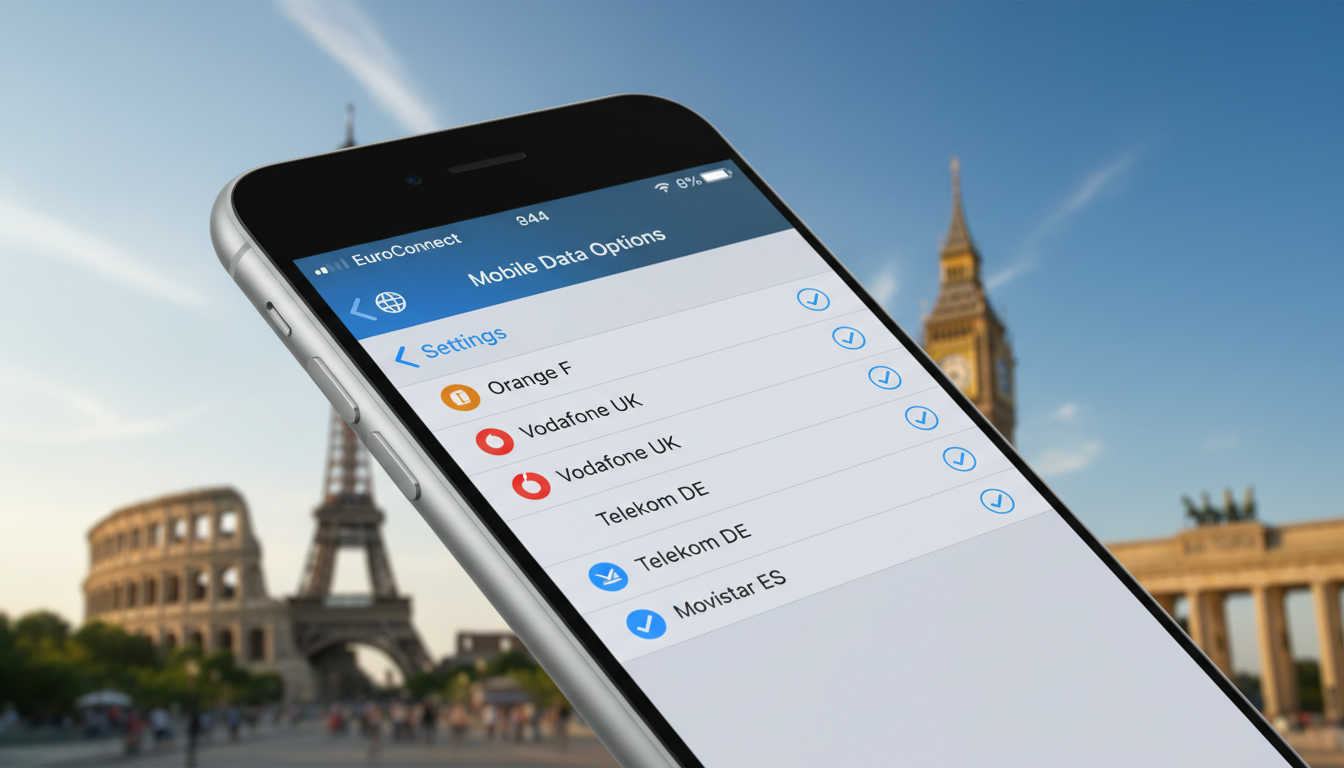
How to Manage iPhone Data and Screen Copying in Europe
If you’re traveling or living in Europe with an iPhone, understanding how to copy your data or use screen mirroring features can be tricky due to regional restrictions and software limitations. The feature commonly known as "recopie iPhone" or screen mirroring is not fully supported in the European Union as of 2026, which affects how you can transfer or duplicate your iPhone content onto other devices like a Mac.
This article explains the current state of iPhone data copying and screen mirroring in Europe, clarifies common misunderstandings, and offers practical advice for managing your iPhone data while abroad.
Why Screen Mirroring (Recopie iPhone) Is Limited in Europe
Regional Restrictions on Screen Mirroring
Apple’s screen mirroring feature, which allows you to display your iPhone screen on another device such as a Mac, is officially not available in the European Union. This limitation stems from regulatory and licensing issues that Apple has not yet resolved for the EU market.
Unlike other regions where iOS and macOS updates enable seamless screen duplication, European users face restrictions that prevent activating this function.
The mechanism behind this restriction involves Apple's software detecting the device’s regional settings and disabling the screen mirroring protocol when it identifies an EU-based Apple ID or device location. This means even if you have the latest iOS 18 beta or macOS 26 installed, the feature remains blocked unless your device is registered outside the EU.
Consequences for Travelers and Residents
Because of this limitation, attempting to mirror your iPhone screen on a MacBook Pro or other Apple devices in Europe will fail. You might see the option greyed out or receive error messages when trying to initiate recopie iPhone.
This is important to know because many users expect this functionality as standard and may waste time troubleshooting non-existent bugs.
I always start by checking my device’s region settings and Apple ID country before assuming a technical fault. If you want to use screen mirroring while in Europe, you’d need an Apple ID registered outside the EU or use third-party apps that offer limited mirroring capabilities but often with latency or quality loss.
How to Copy Your iPhone Data While in Europe
Using Official Apple Tools for Data Transfer
When it comes to copying or backing up your iPhone data—contacts, photos, messages—while traveling in Europe, the process itself does not differ from other regions. Apple provides several reliable methods:
- iCloud Backup: Automatically backs up your data over Wi-Fi to Apple’s servers.
- Finder (macOS Catalina and later): Connect your iPhone via USB cable to a Mac and create a local backup.
- iTunes (Windows or older macOS): Use iTunes to back up your device locally.
- Quick Start: Transfers data wirelessly from one iPhone to another during setup.
The key condition here is having stable internet access for cloud backups or a physical connection for local backups. I’d advise against relying solely on cloud backups if you have limited connectivity because restoring large amounts of data can be slow and unreliable.
Regional Considerations for Data Transfer Apps
Some third-party apps marketed as "iPhone copy" tools may have regional restrictions or lack full compatibility with European carriers and networks. For instance, apps that depend on certain SIM card profiles might not work seamlessly with European eSIMs due to differences in carrier provisioning standards governed by GSMA specifications like SGP.22.
If you’re using an eSIM purchased through services like those compared on Brazil eSIM, be aware that some apps require physical SIM cards or specific network conditions that may not be met by European operators. Always verify app compatibility with your local carrier before relying on it for critical data transfers.
Managing Roaming and eSIM Activation for Travelers in Europe
Using eSIMs Without Losing Connectivity
For travelers coming from outside Europe who want to avoid roaming fees while using their iPhones here, activating a local eSIM is often the best solution. Providers like Claro, Vivo, and TIM offer eSIM plans tailored for Brazil, but similar options exist across Europe through various carriers.
Activating an eSIM involves scanning a QR code provided by the carrier or manually entering activation details into your iPhone’s settings under “Cellular” > “Add Cellular Plan.” The GSMA specification SGP.22 governs remote eSIM provisioning globally, ensuring interoperability across devices and networks.
Practical Tips for eSIM Use in Europe
- Always check if your iPhone model supports dual SIM with eSIM functionality; models from iPhone XS onward generally do.
- When switching between physical SIMs and eSIMs, note that some carriers lock profiles regionally, which can cause activation errors.
- I always start by backing up my current cellular settings before switching plans; this avoids losing contacts linked to carrier services.
- If you encounter issues activating an eSIM purchased abroad while in Europe, it might be due to network restrictions or incompatible carrier profiles.
For more detailed guidance on activating eSIMs specifically for Brazil but applicable principles worldwide, see my article on Brazil eSIM activation.
Common Mistakes When Copying or Mirroring an iPhone in Europe
Overlooking Regional Software Limitations
A frequent mistake is assuming all features available elsewhere are accessible in Europe. For example:
- Trying to enable recopie iPhone on macOS 26 with an EU Apple ID will not work because of regional software locks.
- Attempting wireless screen mirroring without verifying device region leads to wasted time troubleshooting nonexistent bugs.
Ignoring Carrier Restrictions on Data Transfer Apps
Some users try third-party duplication services without confirming their compatibility with European carriers’ network standards. This can result in failed transfers or partial backups.
Neglecting Backup Verification
After copying data via any method—iCloud, Finder backup, or third-party apps—never skip verifying that all critical information (contacts, photos, messages) has been correctly backed up. The mechanism here is simple: incomplete backups often stem from interrupted connections or app permission issues; failing to check means risking permanent data loss.
Understanding the Legality and Availability of iPhone Copies in Europe
There is sometimes confusion about "European iPhone replicas" or "clones" sold within the market. These are unauthorized devices mimicking Apple’s design but lacking genuine hardware and software integrity.
The legality of such devices is questionable under EU intellectual property laws and consumer protection regulations. Using these replicas risks security vulnerabilities and incompatibility with official Apple services like iCloud backup or App Store access.
If you encounter offers for "the best iPhone replicas in Europe," I strongly advise against purchasing them due to these risks. Genuine Apple devices remain the only reliable way to ensure full compatibility with European networks and software features.
For travelers managing connectivity abroad, comparing eSIM providers through platforms like MyBestSim helps find affordable plans without roaming fees. Their comparison includes providers such as Roamic (ranked #1), LinkeSIM (#4), and JamboSim (#19), each offering competitive prices around $5–$7 per 3 GB monthly plan with promo codes like MYBESTSIM for discounts.
To explore these options further while planning your trip beyond Europe—especially if heading to Brazil—check out my detailed guide on the best eSIM plans for Brazil.
FAQ
Why is iPhone screen mirroring limited in Europe?
Screen mirroring is restricted in Europe due to regulatory and licensing issues. Apple disables this feature for devices with EU-based Apple IDs or locations, preventing seamless screen duplication on Macs or other devices within the European Union.
How can I back up my iPhone data while in Europe?
You can back up your iPhone using iCloud over Wi-Fi, or create local backups via Finder on macOS or iTunes on Windows. Ensure you have stable internet or a physical connection to avoid slow or incomplete backups.
Are third-party data transfer apps reliable in Europe?
Some third-party apps may face compatibility issues with European carriers, especially when using eSIMs. Verify app support for local networks before relying on them for critical data transfers to avoid failures.
What should travelers know about using eSIMs in Europe?
Travelers should confirm their iPhone supports eSIM and check carrier compatibility. Activating a local eSIM via QR code helps avoid roaming fees, but regional locks and network restrictions can affect activation.
Can I use screen mirroring with an EU Apple ID outside Europe?
Yes, screen mirroring works if your Apple ID is registered outside the EU or your device region is set accordingly. European restrictions apply only to devices and accounts identified within the EU.

Marina Costa
Marina is a travel writer who has crossed Brazil from Rio to the Amazon. At Brazil eSIM she compares Claro, Vivo and TIM data plans and helps visitors stay online without roaming fees.