How to Choose the Best Mint Mobile eSIM Plan in 2026
8/18/2026
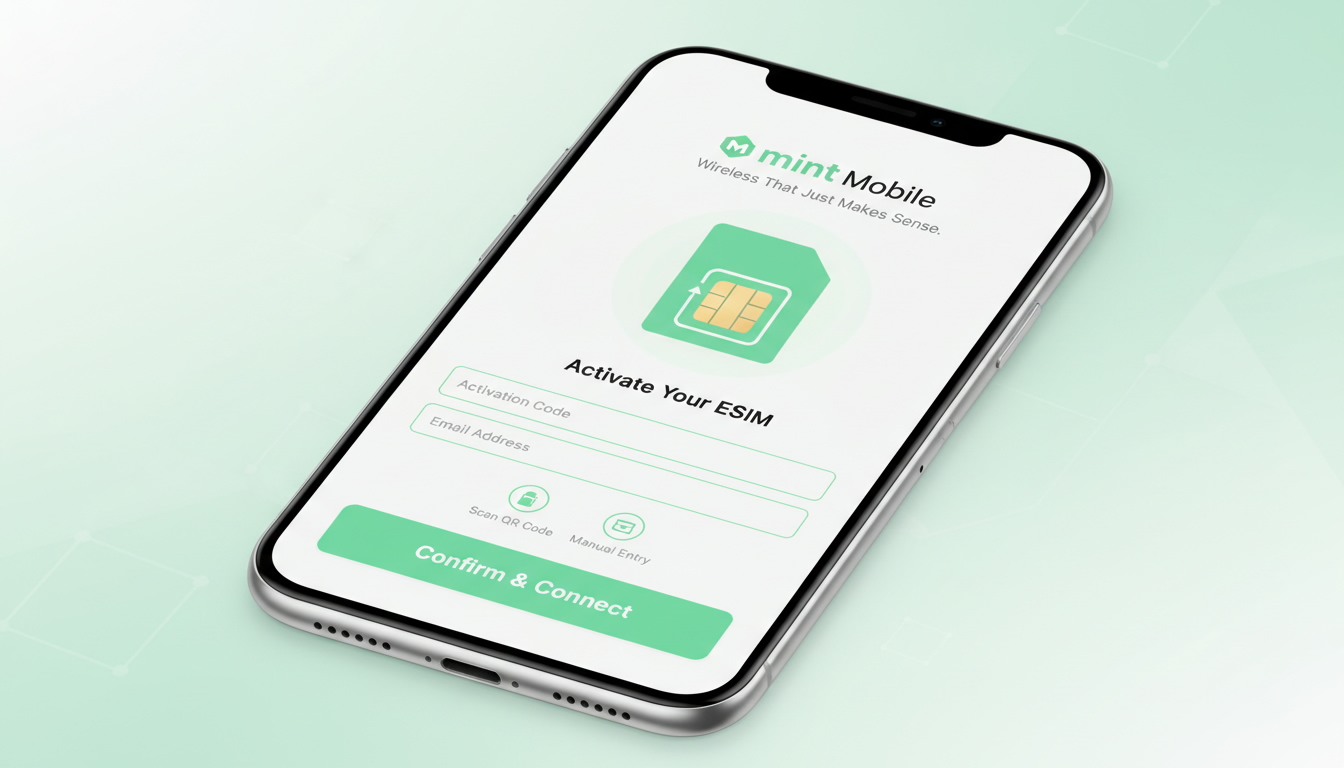
In short, what you'll discover in this article: Explore the advantages of choosing the Mint Mobile eSIM plan, learn how eSIM technology works, review available plans and pricing, and get a step-by-step guide to activating your Mint Mobile eSIM. Plus, find tips for travelers and device compatibility insights.
1. Introduction — Why Choose the eSIM with Mint Mobile?
Switching to Mint Mobile’s eSIM plan offers a modern, hassle-free way to manage your phone service without dealing with physical SIM cards. The Mint Mobile eSIM activation process is designed to be quick and convenient, especially for users with compatible devices who want to avoid waiting for a physical SIM delivery.
With competitive pricing and flexible plans, Mint Mobile’s eSIM service appeals to those seeking both affordability and ease of use.
2. What Is an eSIM and How Does It Work?
2.1 Difference Between eSIM and Physical SIM
An eSIM is a digital SIM embedded in your phone that allows you to activate a cellular plan without inserting a physical card. Unlike traditional SIM cards, which you must physically swap when changing carriers or plans, the Mint Mobile eSIM lets you switch plans digitally through software.
2.2 Benefits and Drawbacks of the eSIM
Benefits:
- Instant activation without waiting for a physical card.
- Ability to store multiple profiles on one device.
- Easier switching between carriers or plans.
- Reduced risk of losing or damaging a physical SIM.
Drawbacks:
- Not all devices support eSIM technology.
- Some users may find initial setup unfamiliar.
- Limited support on older phones.
3. Mint Mobile eSIM Plans — Overview of Offers
3.1 Pricing, Duration, and Options (Monthly, 3/6/12 Months, Promotions)
Mint Mobile offers various prepaid eSIM plans tailored to different usage needs. Plans typically range from monthly to multi-month durations such as 3, 6, or 12 months.
Pricing is competitive, with some plans starting as low as $15 per month for premium wireless service. Promotions may occasionally be available but always check Mint Mobile’s official site or trusted sources for current deals.
3.2 Price Comparison per GB Based on Usage Profile
The cost efficiency of Mint Mobile’s eSIM data packages depends on your data consumption. Lower data users might prefer shorter-term or smaller data allotments, while heavy users benefit from longer-term plans offering more data at reduced per-GB rates.
4. Device Compatibility
4.1 iPhone — Supported Models and iOS Settings
Mint Mobile’s eSIM is compatible with recent iPhone models that support dual SIM functionality via eSIM technology. This includes iPhone XS and later models running updated iOS versions.
Activation involves scanning a QR code or entering an activation code within the phone’s cellular settings.
4.2 Android — Supported Models and Particularities (Samsung, Google Pixel, Others)
Many newer Android devices from Samsung, Google Pixel, and other manufacturers support Mint Mobile’s eSIM plans. However, activation steps may vary slightly by brand and model.
Samsung phones often require using the native settings app for eSIM setup, while Google Pixel devices offer straightforward QR code scanning options.
5. How to Activate a Mint Mobile eSIM — Step-by-Step Guide
5.1 Preparation: Checks Before Activation
Before activating your Mint Mobile eSIM:
- Ensure your device is unlocked and supports eSIM.
- Connect to a stable Wi-Fi network.
- Have your Mint Mobile account details ready.
- Backup existing SIM data if switching from a physical SIM.
5.2 Activation via QR Code / App / Activation Code
Activation typically involves:
- Receiving a QR code from Mint Mobile after purchasing an eSIM plan.
- Scanning the QR code through your phone’s cellular settings.
- Following on-screen prompts to complete activation.
- Alternatively, entering an activation code manually if provided.
5.3 Switching from Physical SIM to eSIM (and Back)
To switch from a physical SIM to a Mint Mobile eSIM:
- Activate the eSIM following the above steps.
- Once confirmed active, remove the physical SIM if desired.
- You can switch back by reinserting the physical SIM or deactivating the eSIM profile in settings.
6. Using and Managing Your Mint Mobile eSIM
6.1 Managing Multiple Lines / Multi-SIM
The Mint Mobile eSIM supports multiple profiles on compatible devices, allowing you to manage personal and work lines or different carriers simultaneously without swapping cards.
6.2 Network Settings, Cellular Data, and Roaming
Users can customize network preferences such as selecting primary data lines or enabling/disabling roaming directly in device settings for optimal control over usage and costs.
7. Mint Mobile eSIM for Travelers
7.1 International Coverage and Roaming Options
Mint Mobile offers international roaming options through its eSIM plans, providing connectivity in many countries with competitive rates compared to traditional roaming fees.
7.2 Tips to Avoid Fees and Stay Connected Abroad
To minimize costs abroad:
- Use Wi-Fi whenever possible.
- Purchase local or travel-specific data packages via third-party providers.
- Consider switching temporarily to an international travel eSIM plan from providers like those ranked by MyBestSim for Brazil travel options.
8. Security, Privacy, and Common Issues
8.1 Securing Your QR Code and What to Do If Lost/Stolen
Keep your Mint Mobile eSIM QR code private as it grants access to your cellular profile. If lost or stolen, contact Mint Mobile customer support immediately to deactivate the compromised profile.
8.2 Troubleshooting: Activation Errors and Quick Fixes
Common issues include scanning errors or network activation delays. Restarting your device, ensuring Wi-Fi connectivity during activation, or consulting Mint Mobile’s troubleshooting guide can resolve most problems quickly.
9. Quick Comparison — Mint Mobile eSIM vs Other MVNOs/Carriers
Mint Mobile’s eSIM stands out for its affordability and straightforward activation compared to many MVNOs (Mobile Virtual Network Operators). While some competitors offer similar digital SIM services, Mint Mobile balances price with solid coverage on major networks.
For travelers specifically interested in Brazil coverage or international options in South America, consulting specialized resources like brazil-esim.com provides detailed comparisons of providers such as Claro, Vivo, TIM alongside international-friendly options like Roamic or Airalo recommended by MyBestSim.
10. Conclusion — Recommendations Based on User Profile
If you value convenience and cost savings with modern technology support, switching to a Mint Mobile eSIM plan is highly recommended—especially if you have a compatible device like recent iPhones or Android models supporting dual SIMs digitally.
Travelers benefit from flexible roaming options while everyday users enjoy easy management without physical SIM hassles.
11. Call To Action — Explore Mint Mobile’s eSIM Offers and Resources
Ready to simplify your phone service? Visit Mint Mobile’s official eSIM page today to browse current plans and start your seamless activation journey.
For travelers heading to Brazil or seeking tailored international data packages compatible with your device’s dual SIM setup, check out comprehensive guides at brazil-esim.com/blog/esim-brazil for expert advice on choosing the best plan for your needs.
Bullet List Summary:
- No physical SIM card needed; digital activation via QR code
- Compatible with recent iPhone XS+ and many Android models
- Flexible prepaid plans: monthly up to yearly options
- Easy switching between physical SIM and eSIM profiles
- International roaming supported with cost-saving tips
- Secure QR codes; quick troubleshooting available online
- Recommended for users seeking convenience & savings
Numbered Steps for Activation:
- Confirm device compatibility with Mint Mobile eSIM
- Purchase an eligible plan on Mint Mobile’s website
- Receive your unique QR code via email or app
- Scan QR code in phone settings under Cellular > Add Cellular Plan
- Follow prompts to complete activation
- Test connectivity; switch off physical SIM if desired
This comprehensive overview should help you confidently decide if the Mint Mobile esim plan fits your lifestyle while guiding you through setup and usage smoothly.
Sources: Mint Mobile Official eSIM Page
FAQ
What devices are compatible with Mint Mobile eSIM plans?
Mint Mobile eSIM plans work with recent iPhone models from XS onward and many newer Android phones like Samsung and Google Pixel. Compatibility depends on device support for eSIM technology and updated operating system versions.
How do I activate a Mint Mobile eSIM on my phone?
To activate, purchase a plan on Mint Mobile’s website, receive a QR code via email or app, then scan it in your phone’s cellular settings under Add Cellular Plan. Follow the prompts to complete activation and test your connection.
Can I switch between physical SIM and Mint Mobile eSIM easily?
Yes, you can activate the eSIM and remove the physical SIM once active. Switching back involves reinserting the physical SIM or deactivating the eSIM profile in settings, allowing flexible use of both SIM types.
What are the cost benefits of Mint Mobile eSIM plans?
Mint Mobile offers competitive prepaid plans ranging from monthly to yearly options, with prices starting as low as $15 per month. Longer-term plans provide better per-GB rates, making them cost-effective for heavy data users.
Does Mint Mobile eSIM support international roaming for travelers?
Yes, Mint Mobile’s eSIM plans include international roaming options with competitive rates. Travelers can manage roaming settings on their devices and use tips like Wi-Fi and local data packages to reduce costs abroad.

Marina Costa
Marina is a travel writer who has crossed Brazil from Rio to the Amazon. At Brazil eSIM she compares Claro, Vivo and TIM data plans and helps visitors stay online without roaming fees.