How to Set Up iPhone 8 eSIM for Smooth Brazil Travel in 2026
11/1/2026
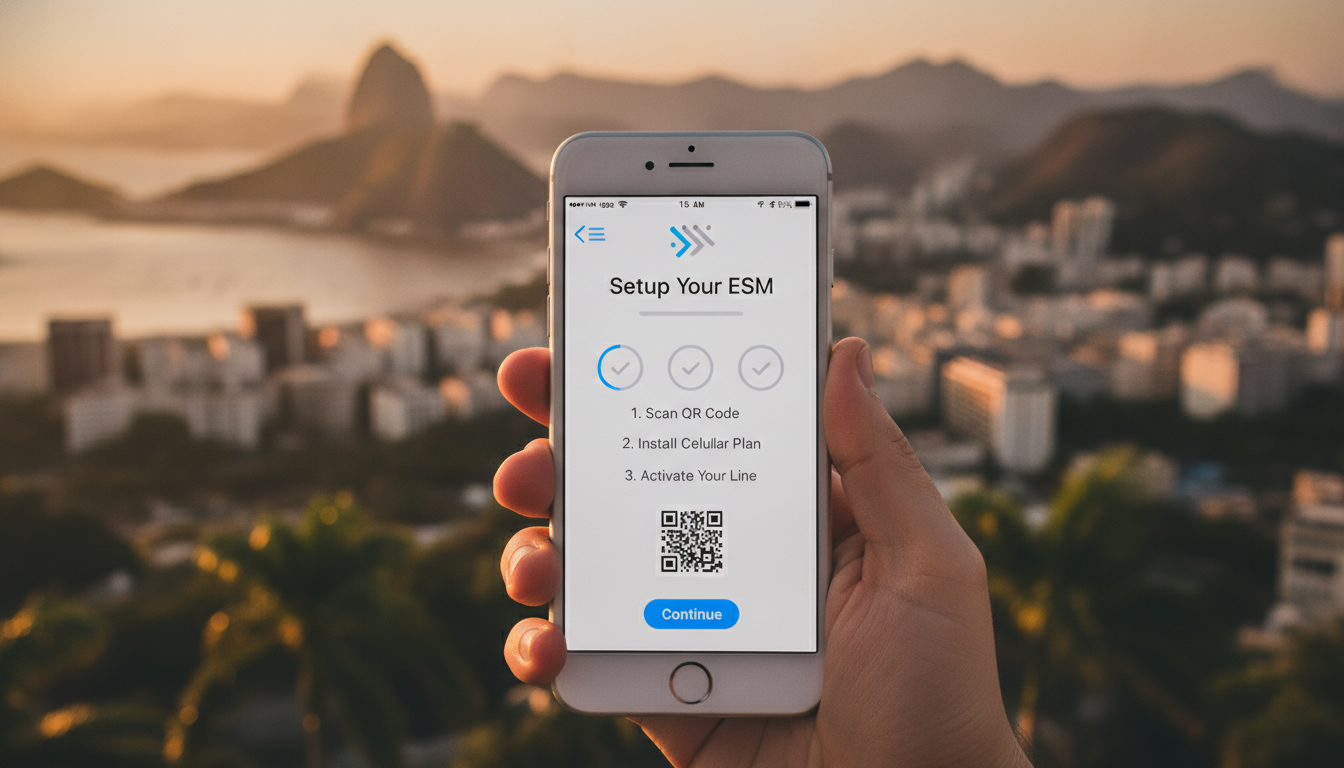
Can You Use eSIM on iPhone 8? What Travelers Need to Know
If you’re traveling to Brazil and wondering whether your iPhone 8 supports eSIM technology, here’s the direct answer: the iPhone 8 does not support eSIM. Apple introduced eSIM capability starting with the iPhone XS and XR models in 2018, so older models like the iPhone 8 and 8 Plus lack the hardware and software support for eSIM profiles.
This means you cannot activate or use an eSIM data plan directly on an iPhone 8.
Understanding this upfront saves you from wasting time trying to find an “eSIM activation” option in your settings, which simply won’t appear. If you want to use an eSIM for your Brazil trip, you’ll need a compatible device or consider alternative solutions.
Why the iPhone 8 Doesn’t Support eSIM and What That Means for You
The iPhone 8 eSIM Compatibility Explained
Apple’s official device compatibility list confirms that eSIM is supported only on iPhone XS, XR, and later models, including all subsequent generations. The iPhone 8 and earlier models rely exclusively on physical SIM cards.
This is because the eSIM functionality requires a dedicated embedded chip and firmware that enables remote provisioning of cellular plans, governed by the GSMA specification SGP.22.
Without this embedded chip, the iPhone 8 cannot store or activate an eSIM profile. Attempting to find an “Add Cellular Plan” or “Convert to eSIM” option under Settings > Cellular will be futile because these options are simply not present on your device.
Consequence for Travelers Using iPhone 8
Since the iPhone 8 lacks eSIM support, you must use a physical SIM card when traveling abroad, including Brazil. This means:
- You have to buy a local SIM card or use international roaming.
- You cannot switch carriers digitally without physically swapping SIM cards.
- Managing multiple numbers simultaneously is limited compared to dual-SIM devices.
I always start by checking device compatibility before planning my connectivity options abroad; skipping this step leads to frustration at the airport or once you land.
How to Stay Connected in Brazil with an iPhone 8: Practical Options
Even though your iPhone 8 doesn’t support eSIM, there are practical ways to ensure seamless connectivity during your Brazil trip without roaming fees or complicated setups.
Using a Physical SIM Card from Brazilian Carriers
Brazil’s main carriers—Claro, Vivo, and TIM—offer prepaid SIM cards that provide good coverage from Rio de Janeiro to the Amazon region. You can purchase these SIM cards at airports, official stores, or authorized resellers.
Here are key points about physical SIMs in Brazil:
- Activation usually requires presenting your passport.
- Plans vary from daily data bundles to monthly packages.
- Prices start around R$30 (about $6 USD) for basic data plans.
- Coverage quality depends on region; Vivo has the widest network in remote areas.
Portable Wi-Fi Hotspots as an Alternative
If swapping SIM cards isn’t convenient, renting a portable Wi-Fi hotspot is another option. These devices connect via cellular networks and share internet over Wi-Fi with multiple devices simultaneously.
However:
- They require charging and carrying extra equipment.
- Data speeds depend on local carrier coverage.
- Rental costs vary but typically start at around $5 per day.
Using an eSIM-Compatible Device Instead
If you’re set on using an eSIM for its convenience—like instant activation and managing multiple plans digitally—you might consider borrowing or upgrading to an iPhone XS or newer model for your trip. This allows you to activate Brazilian eSIM plans instantly without swapping physical cards.
For example, popular providers like Yesim and Airalo offer Brazilian data plans with instant activation via QR codes compatible with newer iPhones.
What If You Try to Activate an eSIM on Your iPhone 8?
The Activation Process That Won’t Appear
On compatible devices, activating an eSIM involves scanning a QR code provided by the carrier or entering activation details manually under Settings > Cellular > Add Cellular Plan. However, on the iPhone 8:
- The “Add Cellular Plan” option does not exist.
- There is no way to convert a physical SIM into an eSIM profile.
- Attempting carrier apps or settings changes won’t enable eSIM functionality.
This is not a software glitch but a hardware limitation tied to the absence of the embedded secure element required for storing eSIM profiles.
Common Pitfalls Travelers Face
A frequent mistake I see is users assuming all recent iPhones support eSIM because Apple markets it heavily since 2018. The trap is trying to activate an eSIM on unsupported devices like the iPhone 8, which leads to wasted time contacting carriers or tech support unnecessarily.
Another pitfall is buying Brazilian eSIM plans online without verifying device compatibility first. Since these plans require QR code scanning on compatible phones, you’ll be stuck if your phone doesn’t support it.
How Brazilian Carriers Support Connectivity for Older Devices Like iPhone 8
Brazilian carriers primarily focus their eSIM offerings on newer smartphones. For older devices like the iPhone 8:
- Claro, Vivo, and TIM provide extensive prepaid physical SIM options.
- These carriers offer competitive data packages tailored for travelers.
- Activation typically involves inserting the physical SIM and following carrier-specific instructions.
I’d advise against relying solely on roaming plans from your home carrier due to high costs and spotty coverage in remote areas like the Amazon basin.
For managing your data needs efficiently while traveling in Brazil with an iPhone 8, consider comparing prepaid physical SIM offers through resources like Brazil eSIM card guides that also cover local SIM alternatives.
Tips for Managing Mobile Data in Brazil Without eSIM on Your iPhone 8
Steps to Prepare Before Traveling
- Unlock Your Phone: Make sure your iPhone 8 is unlocked; otherwise, it won’t accept foreign SIM cards.
- Research Local Plans: Check prepaid data packages from Claro, Vivo, and TIM online or at airports.
- Bring Your Passport: Required for registering prepaid SIMs in Brazil due to local regulations.
- Backup Contacts: Save important contacts offline since switching SIMs may affect messaging apps linked to phone numbers.
- Download Offline Maps: To reduce data usage while exploring remote areas.
Avoiding Connectivity Issues on Arrival
Brazil’s mobile networks can be patchy outside urban centers. I’ve noticed that if you insert a new physical SIM card without restarting your phone or manually selecting the carrier network under Settings > Cellular > Network Selection, you might experience delayed signal acquisition or no service at all.
Restarting after inserting the SIM forces network registration immediately—a simple but crucial step many travelers overlook.
Comparing Data Plans for Travelers Without eSIM Capability
While I cannot provide exact prices here due to variability and frequent updates, MyBestSim remains a reliable source for comparing Brazilian prepaid data plans suitable for travelers using physical SIM cards on devices like the iPhone 8.
For those who do have compatible devices with eSIM support (iPhone XS and later), MyBestSim also lists providers offering instant activation with discount codes such as MYBESTSIM20 for Yesim or MYBESTSIM for Airalo—helpful if you upgrade before traveling.
Internal Resources That Help With Brazil Connectivity Choices
If you want detailed guidance about activating Brazilian data plans—whether via physical SIM or exploring options if you upgrade your phone—check out my practical articles on Brazil eSIM activation and mobile data options for Brazil travel. These cover step-by-step instructions tailored for travelers aiming to stay connected without roaming fees across Brazil’s vast regions.
By understanding that the iPhone 8 lacks any form of eSIM compatibility upfront, you avoid common pitfalls related to activation attempts and can focus instead on practical alternatives like local physical SIM cards or portable hotspots during your Brazil trip.
FAQ
Does the iPhone 8 support eSIM technology?
No, the iPhone 8 does not support eSIM. Apple introduced eSIM starting with the iPhone XS and XR models, so the iPhone 8 lacks the necessary hardware and software to activate or use eSIM profiles.
How can iPhone 8 users stay connected in Brazil without eSIM?
iPhone 8 users should use physical SIM cards from Brazilian carriers like Claro, Vivo, or TIM. These prepaid SIMs offer good coverage and affordable data plans, allowing travelers to stay connected without relying on eSIM technology.
What happens if I try to activate an eSIM on my iPhone 8?
The option to add or activate an eSIM does not exist on the iPhone 8. Since the device lacks the embedded chip required for eSIM, attempts to activate one will fail because the necessary settings are not available.
Are there alternatives to using physical SIM cards for iPhone 8 travelers?
Yes, travelers can rent portable Wi-Fi hotspots that connect to local cellular networks and share internet via Wi-Fi. This avoids swapping SIM cards but requires carrying extra equipment and managing battery life.
Why is it important to check device compatibility before buying an eSIM plan?
Checking compatibility prevents wasted time and money. Many assume all recent iPhones support eSIM, but older models like the iPhone 8 do not. Verifying ensures you don’t buy plans that your phone cannot activate.

Marina Costa
Marina is a travel writer who has crossed Brazil from Rio to the Amazon. At Brazil eSIM she compares Claro, Vivo and TIM data plans and helps visitors stay online without roaming fees.