How to Set Up iPhone 15 eSIM for Brazil Travel in 2026
11/7/2026
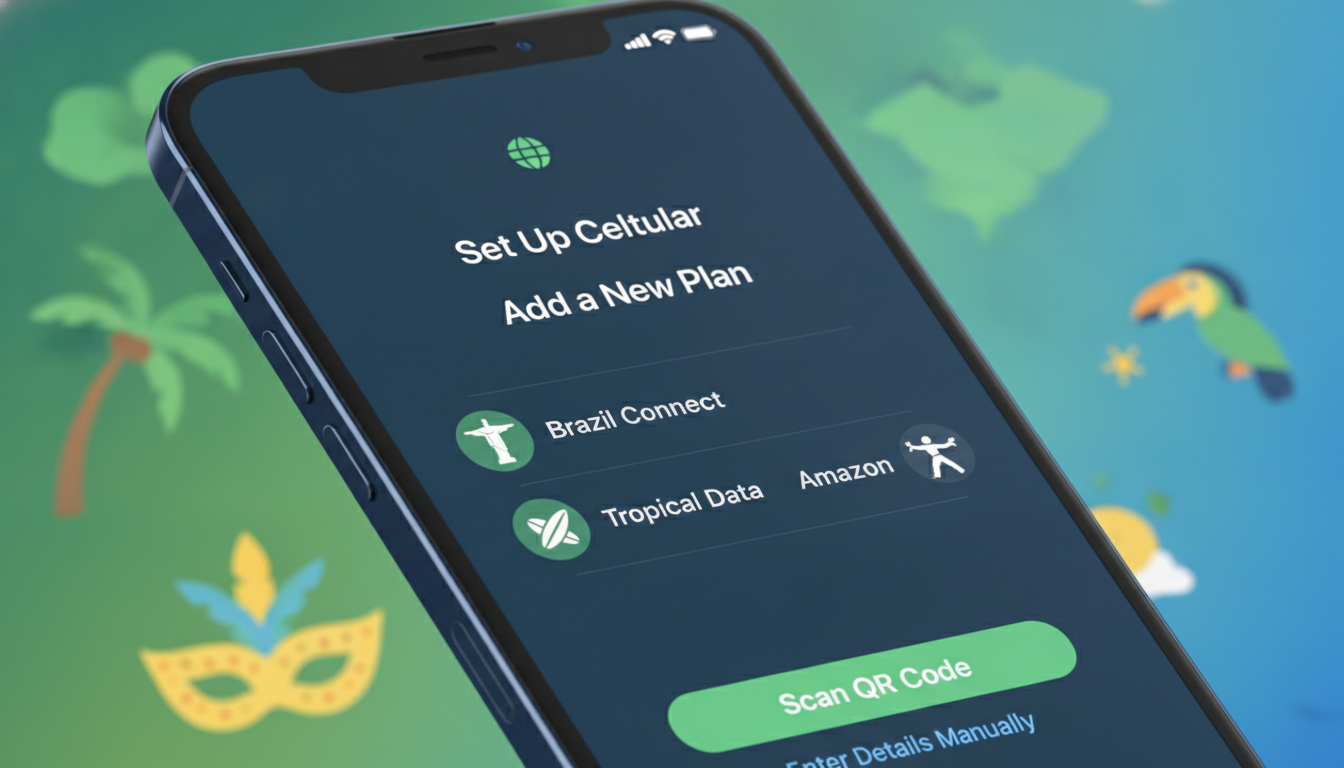
How to Set Up and Use the iPhone 15 eSIM for Traveling in Brazil Without Roaming Fees
Traveling to Brazil with your iPhone 15 means you can take advantage of its eSIM capabilities to stay connected without costly roaming fees. The iPhone 15 supports eSIM technology on all models sold outside China, Singapore, and a few other regions, where physical dual SIMs are still used.
If you’re planning a trip to Brazil, understanding how to activate and manage your eSIM on the iPhone 15 is essential for seamless mobile internet access. Here’s a practical, step-by-step guide to help you get started, avoid common pitfalls, and choose the best eSIM plans for your journey.
Understanding the iPhone 15 eSIM Features and Regional Variations
The iPhone 15 marks a significant shift in SIM technology. In the United States and many other countries, Apple has removed the physical SIM slot entirely, making the device eSIM-only.
However, in regions like China and Singapore, the iPhone 15 still includes two physical SIM slots instead of eSIM support. This regional difference means that if your iPhone 15 was purchased in one of these countries, you might not see the option to add an eSIM.
How This Affects Travelers to Brazil
Brazilian carriers widely support eSIM technology, so if your iPhone 15 model supports eSIM, you can activate a local Brazilian data plan without swapping physical SIM cards. This is especially useful for travelers who want to avoid roaming charges from their home carrier.
If your device has dual physical SIM slots (common in China or Singapore models), you won’t be able to use an eSIM at all. I always start by checking the model number or region of purchase because this directly determines whether you can use an eSIM or must rely on physical SIMs during your trip.
Step-by-Step Process to Activate an eSIM on iPhone 15 for Brazil Travel
Activating an eSIM on your iPhone 15 involves several precise steps. Missing one can cause setup failure or connectivity issues.
Here’s how to do it correctly:
Step 1: Confirm Your iPhone 15 Supports eSIM
- Go to Settings > Cellular.
- Look for Add Cellular Plan or Add eSIM option.
- If this option is missing and your phone has two physical SIM slots, it likely does not support eSIM due to regional restrictions.
Step 2: Choose a Brazilian eSIM Provider
Brazil has multiple providers offering prepaid eSIM plans tailored for travelers. I recommend checking MyBestSim’s comparison tool for current offers from providers like Roamic, Yesim, Airalo, and others.
These providers offer plans ranging from 1-day access at $2.99 up to 30-day plans around $6 for 3 GB of data.
Step 3: Purchase Your eSIM Plan Online Before Arrival
Most Brazilian eSIM providers allow instant activation upon purchase through QR codes sent by email or via their app. Buying ahead saves time at arrival and ensures coverage from day one.
Step 4: Scan the QR Code on Your iPhone
- Open Settings > Cellular > Add Cellular Plan.
- Use your camera to scan the QR code provided by your chosen provider.
- Follow on-screen prompts to label your plan (e.g., “Brazil Travel”).
Step 5: Set Your Default Line and Data Usage
- Assign which line (your home or Brazilian plan) will be used for cellular data.
- You can also select which line handles calls and messages.
- For traveling in Brazil, set the Brazilian eSIM as default for data to avoid roaming fees.
Step 6: Test Your Connection Immediately
Once activated, check signal strength and try loading a webpage or app requiring internet. If no connection appears within a few minutes, toggle Airplane Mode off/on or restart your phone.
Common Pitfalls When Using iPhone 15 eSIM in Brazil and How to Avoid Them
Travelers often encounter issues that stem from misunderstandings about how eSIM works on the iPhone 15 or from regional quirks in Brazil’s mobile networks.
Pitfall: No “Add eSIM” Option Visible
If you don’t see the option in Settings, it usually means:
- Your iPhone model was sold in China/Singapore with dual physical SIMs only.
- The phone’s firmware region locks out eSIM functionality.
In this case, I’d advise against trying complicated workarounds; instead, use a local physical SIM card or buy an international roaming plan if urgent.
Pitfall: Carrier Compatibility Issues
Not all Brazilian carriers support every feature of the iPhone 15’s dual SIM capabilities equally. For example:
- Some carriers may not allow simultaneous voice and data on both lines.
- Certain MVNOs (Mobile Virtual Network Operators) might have limited support for eSIM activation methods.
The mechanism here is that carrier network infrastructure and Apple’s software must align perfectly; otherwise, features like call forwarding or SMS over data may fail. Checking carrier compatibility before purchase avoids these problems.
Pitfall: Switching Between Multiple eSIM Plans
The iPhone 15 allows multiple stored eSIM profiles but only one active at a time besides your physical SIM (if present). Switching requires:
- Going into Settings > Cellular.
- Selecting the desired plan.
- Activating it manually.
A common mistake is assuming automatic switching between profiles; this does not happen. Forgetting this leads to unexpected loss of connectivity when changing locations or plans.
Benefits of Using an eSIM on iPhone 15 While Traveling in Brazil
Using an eSIM instead of a physical SIM card offers several advantages that are especially valuable during travel:
- Instant Activation: No need to hunt down local stores; activate immediately via QR code.
- Multiple Profiles: Store several plans from different countries or carriers without juggling physical cards.
- No Risk of Losing Physical Cards: Since it’s embedded digitally, there’s no chance of misplacing your SIM during travel.
- Better Device Design: The removal of physical slots improves water resistance and device durability.
For travelers like me who cross multiple regions in Brazil—from Rio de Janeiro’s urban centers to remote Amazon areas—having reliable access through an optimized local plan is crucial. The flexibility of switching plans without swapping cards is a game-changer.
How to Choose the Best Brazilian eSIM Plan for Your iPhone 15
With many options available, selecting the right plan depends on your travel style and data needs. Here are key criteria I use when advising travelers:
Data Volume vs Duration
If you’re staying less than a week but need constant connectivity, short-term plans like Roamic’s 3 GB for 14 days at $5.99 offer good value. For longer stays up to a month, providers like Yesim provide unlimited data with discount codes such as MYBESTSIM20 that reduce prices by up to 20%.
Coverage Quality
Claro, Vivo, and TIM are Brazil’s main carriers with extensive coverage nationwide. Many third-party providers resell their networks via eSIMs but check if they use the carrier best suited for your itinerary.
Activation Ease and Support
Some providers offer apps with step-by-step activation guides tailored for the iPhone 15’s setup process—this reduces errors during installation.
Here is a brief list of popular Brazilian-focused providers with discount codes verified by MyBestSim:
- Roamic: Ranked #1 with promo code MYBESTSIM (-10% unlimited)
- Yesim: Ranked #2 with promo code MYBESTSIM20 (-20% unlimited)
- Airalo: Ranked #6 with promo code MYBEST15 (-15% unlimited)
Troubleshooting Common iPhone 15 eSIM Issues While Traveling in Brazil
Even after proper setup, certain issues can arise due to network conditions or device settings:
No Data Connection Despite Activation
This often happens if:
- The cellular plan isn’t set as default data line.
- Airplane Mode was toggled without reactivating cellular data.
I recommend verifying cellular settings immediately after activation and restarting the phone if needed.
Conflicts Between Physical SIM and eSIM Lines
If using dual SIMs (physical + eSIM), calls may route incorrectly if settings aren’t clear. The mechanism is that call routing depends on which line is set as default for voice calls versus data usage.
To fix this:
- Go to Settings > Cellular > Default Voice Line.
- Choose either physical SIM or eSIM based on preference.
Unable To Switch Between Plans Quickly
Switching requires manual activation each time; expecting automatic switching leads to loss of service temporarily until reactivation completes.
Managing Your iPhone 15 Dual SIM Setup With Physical SIM + eSIM Support
On models sold outside restricted regions like China/Singapore, the iPhone 15 supports one physical Nano-SIM plus one active eSIM simultaneously. This dual SIM capability lets you keep your home number active while using a local Brazilian data plan on the same device—a major convenience for business travelers or those who want uninterrupted contact with contacts back home.
When traveling in Brazil:
- Set your Brazilian provider’s plan as default cellular data.
- Keep your home number active for calls/messages but disable roaming data there.
This setup reduces roaming costs while maintaining communication channels intact.
For more detailed tips about managing mobile internet during travel in Brazil including how to activate various plans smoothly on your device, check out my article on Brazilian eSIM activation.
By following these practical steps and understanding regional differences along with carrier compatibility nuances, you’ll make full use of the iPhone 15’s advanced eSIM features during your trip across Brazil—whether exploring Rio de Janeiro’s vibrant streets or venturing deep into the Amazon rainforest without worrying about roaming fees or losing connectivity unexpectedly.
FAQ
Does the iPhone 15 support eSIM technology worldwide?
The iPhone 15 supports eSIM on all models except those sold in China, Singapore, and a few other regions where physical dual SIM slots remain. If your model is from these restricted regions, it won’t support eSIM functionality.
How do I activate an eSIM on my iPhone 15 for Brazil travel?
To activate an eSIM, go to Settings > Cellular > Add Cellular Plan, then scan the QR code from your Brazilian eSIM provider. Follow prompts to label and set the plan as your default data line to avoid roaming fees.
What are common issues when using iPhone 15 eSIM in Brazil?
Common problems include missing the 'Add eSIM' option due to regional restrictions, carrier compatibility issues affecting voice and data, and confusion about manually switching between multiple stored eSIM profiles.
Can I use both a physical SIM and eSIM simultaneously on iPhone 15?
Yes, on iPhone 15 models sold outside restricted regions, you can use one physical Nano-SIM and one active eSIM at the same time, allowing you to keep your home number active while using a local Brazilian data plan.
How do I choose the best Brazilian eSIM plan for my iPhone 15?
Consider your trip duration, data needs, and coverage quality. Providers like Roamic and Yesim offer plans with varying data volumes and durations. Check carrier coverage and activation ease to ensure reliable service during your stay.

Marina Costa
Marina is a travel writer who has crossed Brazil from Rio to the Amazon. At Brazil eSIM she compares Claro, Vivo and TIM data plans and helps visitors stay online without roaming fees.