Using the eSIM Freepro in Brazil: a Traveler’s Guide
11/10/2026
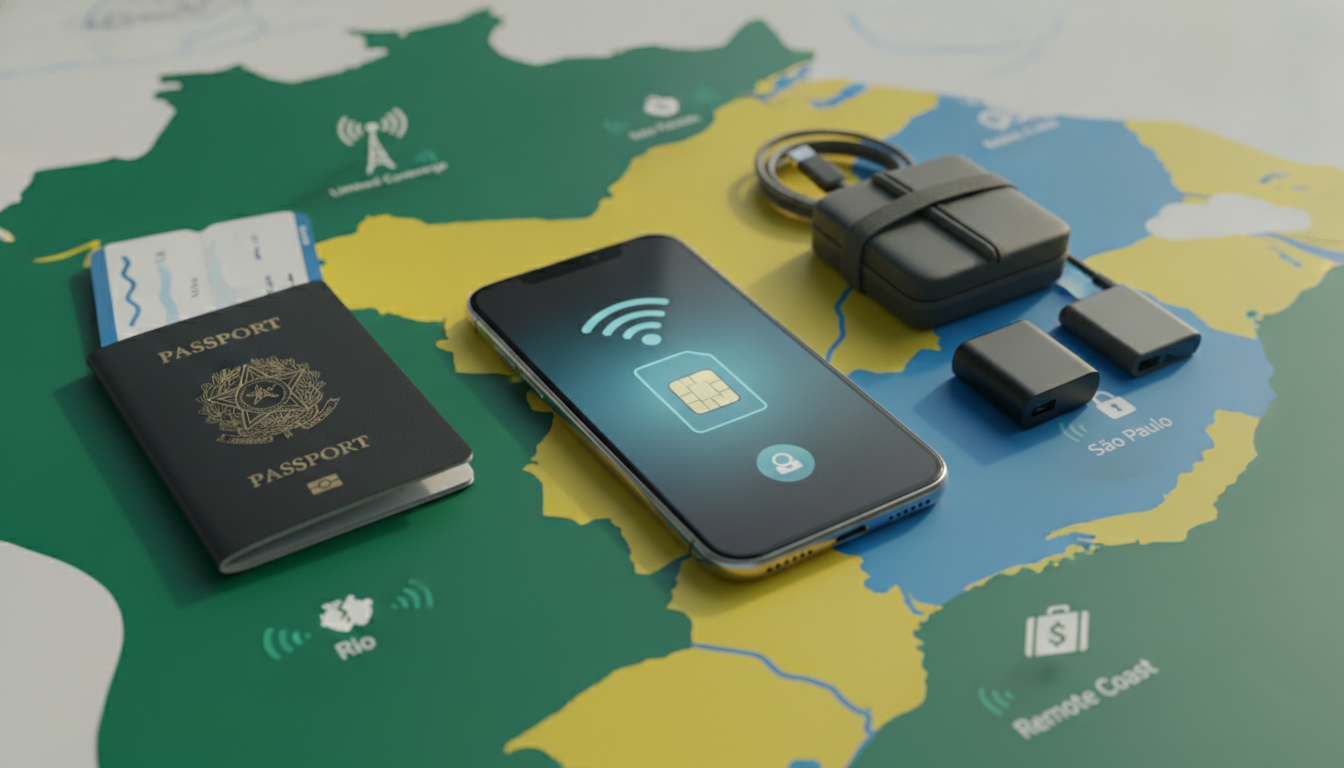
If you are searching for esim freepro before a business trip to Brazil, do not assume that a Free Pro business line can be activated abroad like a tourist eSIM. First confirm that your company plan supports eSIM, then activate the line while connected to Wi-Fi in France, and only afterward decide whether to use Free Pro roaming or a separate Brazil data eSIM.
I would not delete the physical SIM until the business number has made a test call and received an SMS.
Confirm what Free Pro is actually providing
Free Pro is the business branch of Free, while many public pages describing eSIM activation refer to Free Mobile consumer plans. That distinction matters: a Free Mobile eSIM procedure does not automatically prove that every Free Pro eSIM plan has the same eligibility, pricing, or account workflow.
Free Pro’s online assistance includes sections for activating a mobile plan, tracking an order, checking an invoice, finding a service number, and contacting support. Use the administrator’s Free Pro account rather than an employee’s personal Free Mobile account.
The administrator should verify:
- whether the line is a new activation or a SIM-to-eSIM replacement;
- whether the business plan supports eSIM;
- whether the line can be transferred to an existing device;
- whether the account requires administrator approval;
- whether Brazil roaming is enabled and billed under the company contract.
Ask Free Pro for the current roaming tariff before departure. A plan that includes mobile data in France may charge Brazil roaming separately, and the amount can depend on the business contract, the visited network, the data volume, and the selected roaming option.
Do not rely on a consumer tariff page to calculate a company line’s cost.
The documents and connections needed
Prepare these items before touching the phone:
- the Free Pro customer-area login or administrator access;
- the business mobile number and account details;
- an eSIM-compatible, carrier-unlocked phone;
- a stable Wi-Fi connection;
- the eSIM QR code or installation link supplied by Free Pro;
- a second device or printed copy for displaying the QR code.
The GSMA Remote SIM Provisioning Specification SGP.22 governs the consumer eSIM activation flow used by many compatible smartphones. In practice, the phone downloads an encrypted operator profile from a remote server; it is not simply converting the plastic SIM into a file that can be copied between phones.
| Check | What to verify | Why it matters |
|---|---|---|
| Business eligibility | Free Pro confirms eSIM support for the exact line | Consumer Free Mobile eligibility may not apply |
| Device | The manufacturer lists eSIM support and the phone is unlocked | A locked or incompatible phone cannot download the profile |
| Connection | Wi-Fi is available during installation | The profile must be retrieved from the operator |
| Account | The administrator can approve the change | A company line may not be controlled by the end user |
| Travel billing | Brazil roaming terms are confirmed in writing | Data use may be billed outside the French allowance |
Apple lists eSIM support for iPhone models from the iPhone XS, iPhone XS Max, and iPhone XR generation onward, subject to regional and carrier limitations. Google supports eSIM on selected Pixel models, and Samsung supports it on selected Galaxy models; the exact model number and sales region still matter.
Check the manufacturer’s settings and Free Pro’s compatibility confirmation rather than relying only on the phone’s age.
How to activate a Free Pro eSIM
Keep the physical SIM in the phone until the new profile works. The safest activation sequence is:
- Connect the phone to reliable Wi-Fi and charge it above 30 percent. If the download stops midway because the phone loses power or connectivity, the activation session may need to be restarted.
- Open the Free Pro customer area or follow the activation instructions supplied by the administrator.
- Select the eSIM installation or SIM replacement option for the correct business line. Check the last digits of the number before confirming; activating the wrong line can disrupt another employee’s service.
- Display the Free Pro eSIM QR code on a separate screen, or use the installation link if Free Pro supplies one.
- On iPhone, open Settings > Cellular/Mobile Service > Add eSIM > Use QR Code. On a compatible Android phone, the wording varies, but the path normally begins in Settings > Network & internet or Settings > Connections, followed by SIM management and eSIM download.
- Scan the QR code, accept the mobile plan, and wait for the profile to download.
- Label the line “Free Pro” or “Work” when the phone asks which number is personal and which is business.
- Make a test call, send an SMS, and check mobile data before removing the physical SIM.
The QR code is generally intended for one installation. If the camera reports that the code is invalid or already used, repeated scanning will not repair the problem; contact Free Pro and request a replacement activation method.
Testing the line before leaving France
Test the line in France because troubleshooting is easier before the flight. Turn Wi-Fi off briefly and verify cellular data, then place a call and receive an SMS.
If the number is being transferred from a physical SIM, wait until the old SIM loses service and the eSIM registers on the network.
I always start by checking the line label and the default data line before testing speed. If the phone silently selects a personal SIM for data, the Free Pro eSIM may appear defective even though it is registered correctly.
For a number transfer, do not erase the old SIM or reset the phone until the business number is active. A reset can remove locally stored eSIM profiles, while deleting the old SIM too early can leave you without a fallback during an account-side delay.
Using Free Pro mobile data in Brazil
After landing, enable data roaming only on the Free Pro line if the company has confirmed the roaming terms. On a dual-SIM phone, set one line as the default for calls and the other as the default for data.
Disable automatic data switching if the phone offers that option; otherwise, a weak Free Pro signal can cause the phone to use another line unexpectedly.
Brazil is large, and coverage changes by operator and location. Urban areas such as Rio de Janeiro, São Paulo, Brasília, and Salvador generally offer more network choice than remote Amazon routes, rural roads, or inland regions.
A French line’s roaming partner may not provide the same coverage as every local Brazilian network.
The practical limits are easy to miss:
- a roaming plan may include data but exclude voice calls or premium services;
- incoming SMS may work even when data roaming is disabled;
- tethering may be restricted by the plan or device configuration;
- a phone can show signal while data remains blocked by an account-level roaming setting;
- network selection set to automatic may connect to a partner with weaker coverage than another available network.
If your trip depends on navigation, messaging, or work calls, compare Brazil data options before departure in the Brazil data plan guide for tourists. A separate travel eSIM can provide data without changing the Free Pro business number, but it does not replace the business line for ordinary calls or SMS.
Choosing between roaming and a second eSIM
Use Free Pro roaming when the company needs the original number continuously and the contract gives a predictable Brazil allowance. Choose a separate Brazil data eSIM when the priority is controlling data costs and the phone supports dual SIM operation.
I would advise against activating both lines with automatic data selection. When two profiles are active, background updates, cloud synchronization, and messaging attachments can consume data on the wrong line.
Assign the Brazil eSIM as the data line, keep Free Pro active for calls and SMS, and switch off data roaming on Free Pro unless the administrator has approved it.
Before buying, check the plan’s validity period, data allowance, hotspot policy, activation country requirement, and network partners. A prepaid Brazil eSIM may activate only after connecting to a supported Brazilian network, while Free Pro activation normally needs to be completed through the operator’s account and provisioning system.
Troubleshooting when the eSIM does not work
Start with the symptom rather than deleting the profile.
The QR code will not scan
Increase the brightness of the screen displaying the code, clean the phone camera, and hold the phone at a steady distance. If the code was printed, avoid glare and folded paper.
If Free Pro says the code has already been used, request a new code; do not factory-reset the phone as a first response.
The profile installed but has no service
Check that the eSIM is enabled, the correct line is selected for calls and data, airplane mode is off, and network selection is set to automatic. Restart the phone once.
In Brazil, if automatic selection fails, manually test an available network only if Free Pro’s roaming instructions permit it.
Data works but costs are unclear
Stop background data on the Free Pro line, disable data roaming, and check the business account for usage. A data connection alone does not show whether the traffic is included; only the Free Pro contract or support team can confirm the applicable Brazil charge.
Finally, preserve the QR code and activation instructions in the company’s secure records, not in a public chat or shared travel document. The eSIM profile is digital, but the business number remains an operational asset: replacing it may require administrator verification, a new activation code, and a working internet connection.
FAQ
Does Free Pro offer eSIM for every business mobile plan?
Not necessarily. Free Pro business eligibility may differ from Free Mobile consumer plans, so the account administrator should confirm eSIM support for the exact line, approval requirements, replacement fees, and whether the existing number can be transferred before starting activation.
Which phones can use a Free Pro business eSIM?
The phone must support eSIM and be carrier-unlocked. Compatible examples include iPhone models beginning with the iPhone XS, XS Max, and XR generations, plus selected Google Pixel and Samsung Galaxy devices. Exact compatibility depends on the model number, region, and Free Pro confirmation.
How do you activate Free Pro eSIM safely?
Connect to reliable Wi-Fi, open the administrator-approved Free Pro activation workflow, and scan the supplied QR code from another screen. Keep the physical SIM installed until the eSIM successfully makes a call, receives an SMS, and connects to mobile data.
What does Free Pro roaming cost in Brazil?
Brazil roaming charges depend on the company contract, partner network, usage volume, and selected option. French business allowances may not apply abroad, so obtain the current tariff in writing from Free Pro and confirm whether calls, SMS, tethering, and data are included.
Should you use a second Brazil data eSIM?
A separate Brazil data eSIM can reduce roaming costs while preserving the Free Pro number for calls and SMS. Set it as the dedicated data line, disable automatic data switching, and turn off Free Pro data roaming unless the business administrator has approved its charges.

Marina Costa
Marina is a travel writer who has crossed Brazil from Rio to the Amazon. At Brazil eSIM she compares Claro, Vivo and TIM data plans and helps visitors stay online without roaming fees.