How to Activate and Use a Djezzy eSIM for Mobile Data in 2026
9/17/2026
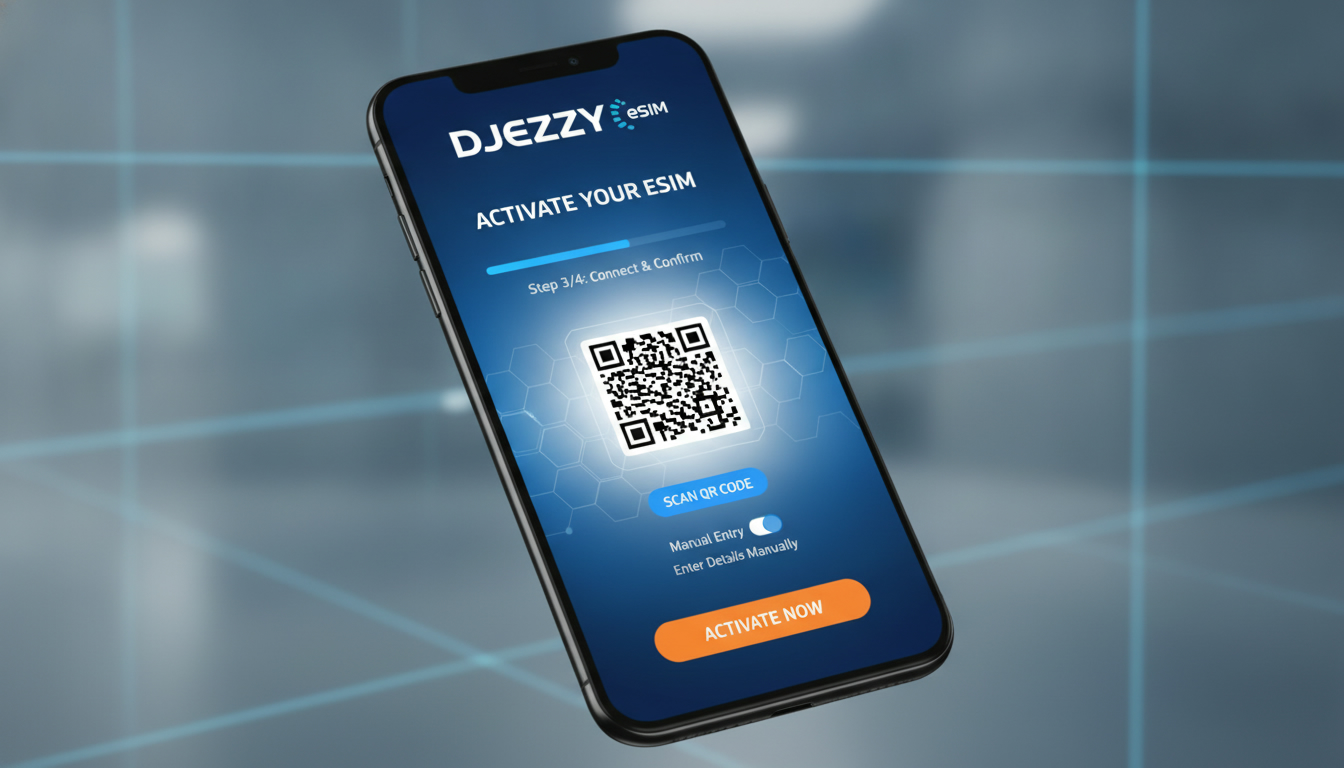
How to Get and Activate a Djezzy eSIM for Mobile Data Connectivity
If you’ve just upgraded your phone and want to use a Djezzy eSIM instead of a physical SIM card, you’re on the right track for a more convenient mobile experience. The Djezzy eSIM lets you activate your mobile data plan digitally, eliminating the need for a physical card swap.
This means faster setup, easier management of your mobile plans, and the ability to switch profiles without visiting a store. Here’s everything you need to know about obtaining, activating, and using a Djezzy eSIM.
What Is a Djezzy eSIM and Why Choose It?
A Djezzy eSIM is an embedded SIM card built into your smartphone or device that can be programmed remotely with your mobile operator’s profile. Unlike traditional SIM cards, which require physical insertion, an eSIM uses GSMA specification SGP.22 for remote provisioning, allowing instant activation and profile switching.
Benefits of Using a Djezzy eSIM
- Instant Activation: No waiting for physical delivery or store visits.
- Multiple Profiles: You can store several eSIM profiles on one device and switch between them.
- Space Saving: Frees up the SIM slot for dual SIM use or other purposes.
- Better Security: The embedded chip is harder to remove or tamper with.
From my experience comparing mobile setups, the biggest advantage is how quickly you can switch carriers or plans without juggling physical cards. However, I always start by checking phone compatibility because not all devices support the Djezzy eSIM standard.
Which Phones Are Compatible with the Djezzy eSIM?
Djezzy’s eSIM service requires devices that support the GSMA SGP.22 standard for remote SIM provisioning. Currently, most recent smartphones from Apple (iPhone XR and later), Samsung Galaxy S20 and newer, Google Pixel 3 and above support eSIM functionality.
Compatibility Details
| Brand | Models Supporting Djezzy eSIM |
|---|---|
| Apple | iPhone XR, XS, 11 series, 12 series, 13 series, 14 series |
| Samsung | Galaxy S20, S21, S22 series and newer |
| Pixel 3, 4, 5, 6 series |
One field observation: If your phone is locked to another carrier or region, the eSIM feature might be disabled or limited. This means even if your model supports eSIM technically, you may not be able to activate a Djezzy eSIM until it’s unlocked.
How to Obtain a Djezzy eSIM Plan
Getting a Djezzy eSIM plan involves either purchasing it online via the official Djezzy website or through authorized digital channels. Unlike physical SIM cards that require visiting a store or waiting for delivery, the digital nature of an eSIM means you receive an activation QR code instantly after purchase.
Steps to Get Your Djezzy eSIM Plan
- Check Your Device Compatibility: Confirm your phone supports Djezzy’s eSIM.
- Visit Djezzy’s Official Website: Navigate to their digital services section.
- Select an eSIM Data Package: Choose from available data plans tailored for different usage needs.
- Complete Registration: Provide identification as required by Algerian telecom regulations.
- Receive Your QR Code: The activation code will be sent via email or SMS immediately after purchase.
The process to switch to a Djezzy eSIM is designed to be seamless but requires careful scanning of the QR code within your phone’s settings. I’d advise against attempting manual profile installation without following official instructions because incorrect setup can lead to connectivity issues.
Activating Your Djezzy eSIM: Step-by-Step Guide
Activating the Djezzy eSIM involves scanning the QR code provided during purchase and configuring your phone’s cellular settings accordingly.
Activation Steps on iPhone (iOS 12.1+)
- Open Settings > Cellular.
- Tap Add Cellular Plan.
- Scan the QR code sent by Djezzy.
- Label your plan (e.g., “Djezzy Data”).
- Set your default line for data usage if dual SIM is enabled.
- Wait for activation confirmation; this usually takes under 5 minutes.
Activation Steps on Android (Samsung One UI or Google Pixel)
- Go to Settings > Network & Internet > Mobile Network.
- Tap Advanced > Carrier > Add Carrier.
- Scan the QR code or enter activation details manually if provided.
- Confirm activation and select your default data SIM if applicable.
A common mistake I’ve noticed is over-tightening settings like APN configurations after scanning the QR code; this can disrupt data connectivity because the device expects automatic APN provisioning per GSMA standards.
Understanding Djezzy eSIM Data Packages and Costs
Djezzy offers various data packages tailored for different user needs—from daily short-term plans to monthly subscriptions.
What Influences Cost?
- Data volume (e.g., 1 GB vs 10 GB)
- Duration of validity (from 1 day up to 30 days)
- Additional services like voice calls or SMS may require separate plans.
While exact prices vary and are best checked directly on Djezzy’s website, keep in mind that digital purchase often includes promotional offers not available in-store.
For international travelers interested in using a Djezzy eSIM abroad or comparing it with other providers’ offers, MyBestSim is an excellent resource to compare plans and find verified discount codes for multiple operators including those outside Algeria.
Customer Support and Troubleshooting for Your Djezzy eSIM
If you encounter issues during activation or usage:
- Contact Djezzy customer support via their official app or hotline.
- Ensure your device firmware is updated; outdated software can block proper provisioning.
- Verify that dual SIM settings are correctly configured if using both physical SIM and eSIM simultaneously.
From my practice in managing mobile connectivity setups, one trap is ignoring carrier restrictions on simultaneous active lines—some phones disable data on one line when both are active unless configured properly.
How to Use a Djezzy eSIM Efficiently
Once activated:
- Monitor data usage regularly through your phone settings or via the MyDjezzy app.
- Switch between profiles easily if you have multiple lines stored on your device.
- Use Wi-Fi Assist features cautiously; they may consume data unexpectedly when cellular coverage fluctuates.
For travelers who want uninterrupted connectivity in Brazil or other countries while using local operators’ plans like Claro or Vivo alongside their Algerian line, managing multiple profiles with an eSIM is invaluable—a technique I detailed in my guide on Brazil eSIM activation.
Using a Djezzy eSIM brings modern convenience but requires attention to device compatibility and correct activation steps governed by GSMA SGP.22 standards. For those upgrading phones or switching carriers digitally in Algeria, it’s worth investing time upfront to understand these details rather than risking downtime from misconfiguration or unsupported devices.
FAQ
What phones support the Djezzy eSIM feature?
Djezzy eSIM is compatible with recent smartphones like iPhone XR and later, Samsung Galaxy S20 and newer, and Google Pixel 3 and above. Ensure your device is unlocked and supports GSMA SGP.22 for remote SIM provisioning to activate the eSIM.
How do I purchase a Djezzy eSIM data plan online?
You can buy a Djezzy eSIM plan via the official Djezzy website by selecting an eSIM package, completing registration with ID, and receiving an activation QR code instantly through email or SMS.
What are the steps to activate a Djezzy eSIM on iPhone?
On iPhone, go to Settings > Cellular > Add Cellular Plan, then scan the Djezzy QR code. Label your plan and set your default data line if using dual SIM. Activation usually completes within five minutes.
Can I use multiple profiles on one Djezzy eSIM device?
Yes, a Djezzy eSIM allows storing multiple profiles on the same device. You can switch between different plans or carriers digitally without needing physical SIM swaps.
What should I do if my Djezzy eSIM fails to activate?
If activation fails, check your device firmware is updated, confirm compatibility, ensure correct QR code scanning, and contact Djezzy support. Avoid manual APN changes as automatic provisioning is required.

Marina Costa
Marina is a travel writer who has crossed Brazil from Rio to the Amazon. At Brazil eSIM she compares Claro, Vivo and TIM data plans and helps visitors stay online without roaming fees.