How to Unlock an At&t Sim for Other Carriers in 2026
8/9/2026
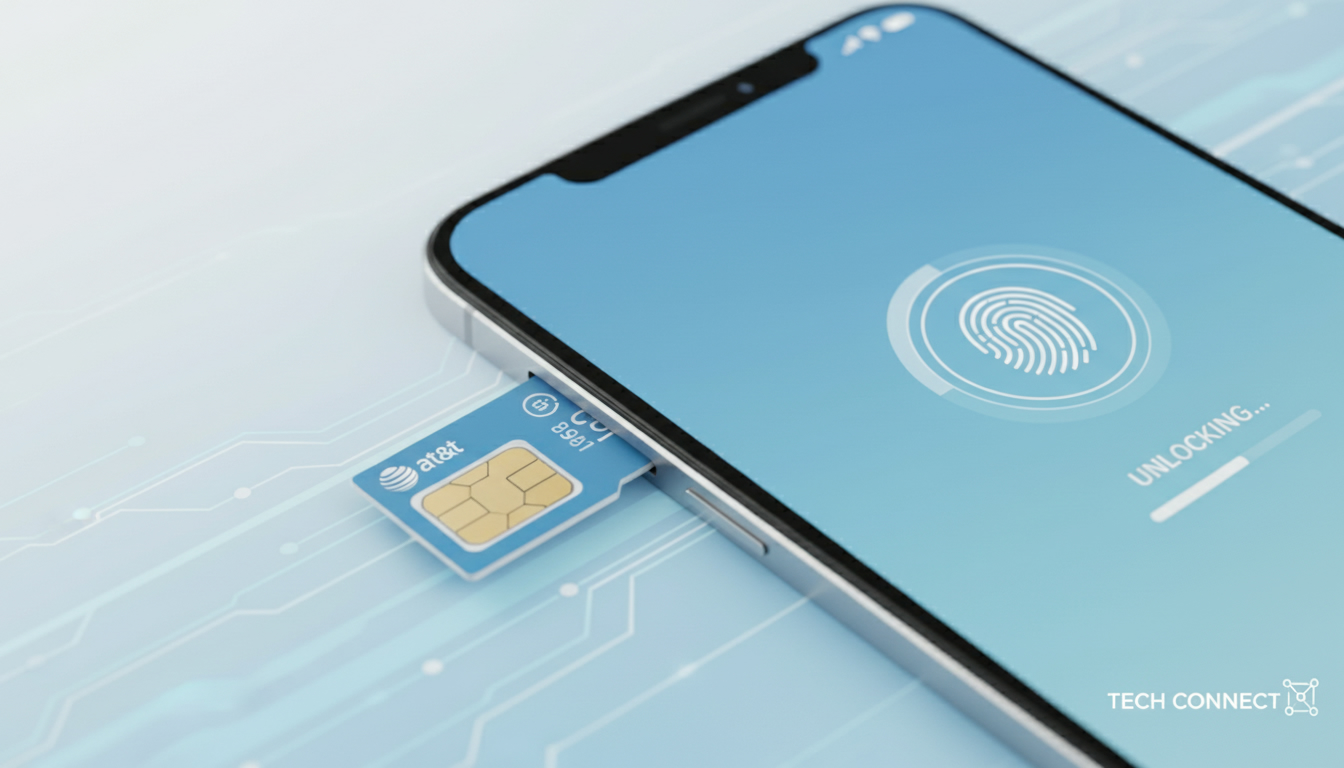
In short, what you'll discover in this article: Learn how to unlock your AT&T SIM card easily and legally to use your phone with any carrier. We cover eligibility requirements, step-by-step instructions, and tips on the unlocking process to help you switch networks without hassle.
1. Understanding the AT&T SIM Unlock Process
If you recently bought a phone locked to AT&T and want to use it with another carrier, unlocking your AT&T SIM is essential. The att unlock sim process allows your device to accept SIM cards from other networks, giving you freedom and flexibility.
1.1 What Does Unlocking an AT&T SIM Mean?
Unlocking an AT&T SIM means removing the carrier restrictions on your phone so it can work with other mobile providers. This is especially useful if you switch carriers or travel internationally and want to avoid roaming fees by using local SIM cards.
1.2 Why Is Unlocking Important?
Without unlocking, your phone remains tied to AT&T’s network only. This limits your options and might force you to buy a new device if you switch carriers.
Unlocking ensures:
- Compatibility with different networks
- Freedom to choose plans that suit your needs
- Better resale value for your phone
2. Requirements for AT&T SIM Unlock Eligibility
Before starting the unlock process, make sure your device meets AT&T’s eligibility criteria. These requirements ensure that only qualified devices are unlocked.
2.1 Basic Eligibility Criteria
To qualify for an AT&T SIM unlock:
- Your device must be paid in full or fully paid off through an installment plan.
- Your installment balance must be zero.
- The device should not be reported as lost, stolen, or involved in fraud.
- If it's an AT&T Prepaid device, it must have 12 months of paid service.
- The device cannot be active on another AT&T account.
2.2 Additional Conditions
- You must have had the device active on the AT&T network for at least 60 days (for postpaid phones).
- Devices purchased from third parties may have different eligibility rules.
Checking these conditions beforehand saves time and avoids frustration during the unlocking process.
3. How to Unlock an AT&T SIM: Step-by-Step Guide
Unlocking your AT&T SIM is straightforward if you follow the official steps carefully.
3.1 Step 1: Verify Device Eligibility Online
Log in to your AT&T account and select the device you want to unlock. Under “Device Info,” check if the status shows “Device Unlocked.” If not, proceed with the unlock request.
3.2 Step 2: Submit an Unlock Request
You can request an unlock directly through AT&T’s online portal by providing:
- Your phone number or IMEI number
- Account holder information
- Confirmation that you meet all eligibility requirements
AT&T will review your request and notify you via email once approved.
3.3 Step 3: Complete the Unlock Process on Your Phone
Once approved:
- Insert a non-AT&T SIM card into your phone.
- Follow any on-screen prompts to enter an AT&T SIM unlock code if requested.
- Restart your device.
Your phone should now work with the new carrier’s SIM card.
3.4 Step 4: Troubleshooting Common Issues
If unlocking fails:
- Double-check eligibility requirements.
- Confirm you entered the correct unlock code.
- Contact AT&T customer support for assistance.
4. Understanding AT&T’s SIM Unlock Policy and Fees
AT&T’s unlocking policy is designed to be customer-friendly but has some conditions worth noting.
4.1 Is There a Fee for Unlocking?
Generally, AT&T offers free SIM unlocking for eligible devices once all contract or installment obligations are met.
4.2 How Long Does It Take?
Unlock requests usually take up to two business days but can sometimes be faster depending on account status.
4.3 Restrictions on Locked Devices
Some devices may not be eligible due to contractual agreements or reported issues like theft or fraud.
5. Alternative Options and Tips for Unlocking Your AT&T Phone
If official unlocking isn’t possible or you want faster solutions, consider these options:
- Use trusted third-party unlocking services that provide permanent unlocks—be cautious and verify legitimacy.
- Download apps like the Network Unlock App for ATT which offer user-friendly tools for unlocking.
- Check if your phone supports eSIM technology; switching to a prepaid eSIM plan can offer flexibility without physical SIM swaps (learn more about prepaid eSIM).
6. Conclusion
Unlocking your AT&T SIM is a simple way to gain control over which network you use without buying a new phone. By meeting eligibility requirements and following official steps, you can enjoy seamless switching between carriers with no extra fees in most cases.
For flexible mobile options, consider exploring prepaid eSIM plans available in Brazil through trusted providers like those featured on MyBestSim.
For more detailed guides on mobile connectivity options in Brazil, including how to get an eSIM or find the best data plans, visit our articles on how to get eSIM in Brazil and eSIM Brazil.
FAQ
How do I check if my AT&T phone is eligible to unlock?
You can verify eligibility by logging into your AT&T account and checking the device status under 'Device Info.' Your phone must be fully paid off, not reported lost or stolen, and meet AT&T’s service requirements to qualify for unlocking.
What steps are involved in unlocking an AT&T SIM card?
First, confirm eligibility online, then submit an unlock request through AT&T’s portal with your IMEI and account details. After approval, insert a non-AT&T SIM and follow on-screen prompts to complete the unlock process.
Are there any fees for unlocking an AT&T SIM card?
AT&T generally provides free SIM unlocking for eligible devices once all contract or installment obligations are fulfilled. There are no charges if your device meets the unlocking criteria.
How long does it take for AT&T to unlock a phone?
Unlock requests typically take up to two business days to process. However, the time may vary depending on your account status and device eligibility.
What can I do if my AT&T phone won’t unlock officially?
If official unlocking isn’t possible, consider trusted third-party unlocking services or apps like the Network Unlock App for ATT. Also, check if your phone supports eSIM technology for more flexible carrier options.

Marina Costa
Marina is a travel writer who has crossed Brazil from Rio to the Amazon. At Brazil eSIM she compares Claro, Vivo and TIM data plans and helps visitors stay online without roaming fees.