Airtel eSIM Plans and Compatibility for Brazil Travel in 2026
8/25/2026
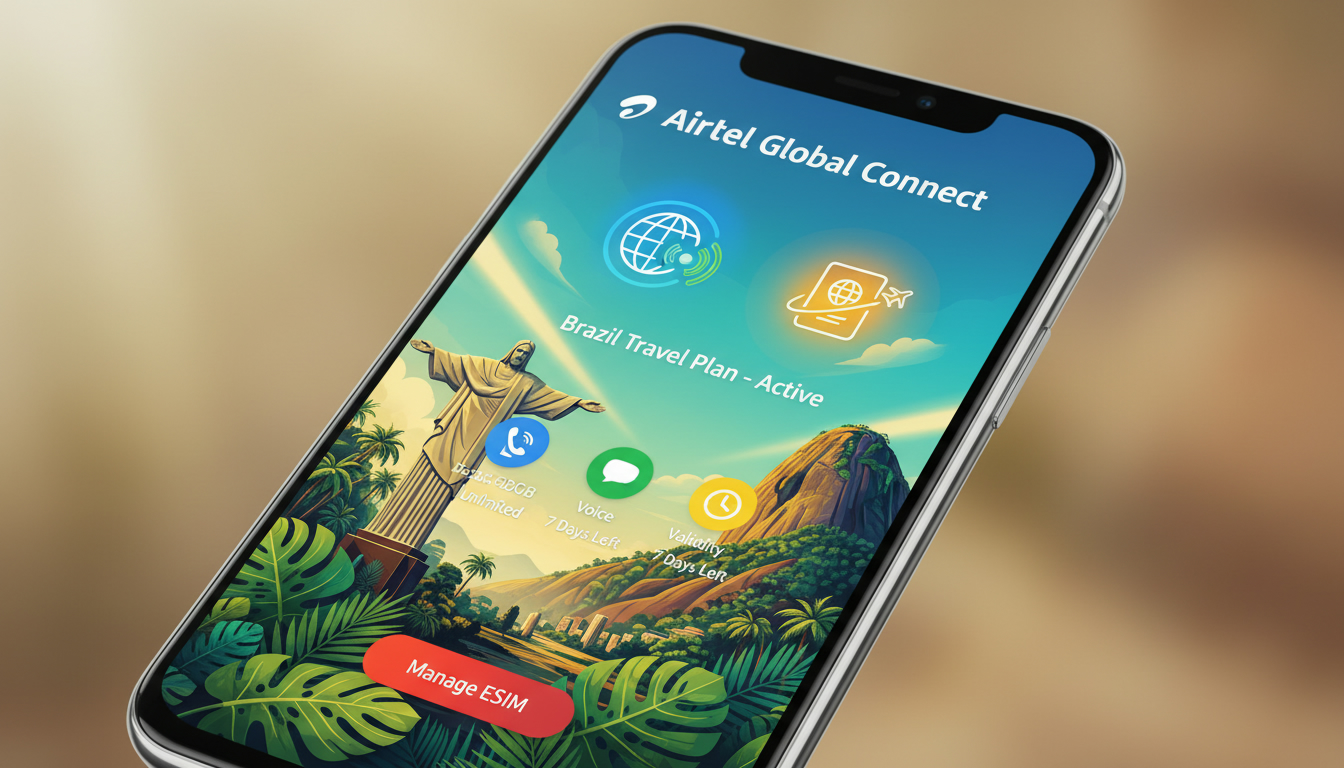
In short, what you'll discover in this article: Learn everything about the Airtel eSIM, including how to activate it, compatible devices, available plans, and its coverage—especially if you want to stay connected while traveling in Brazil. Find out the benefits and troubleshooting tips to make your switch seamless.
1. Understanding Airtel eSIM and Its Benefits
The Airtel eSIM is a digital SIM that allows you to activate a cellular plan without inserting a physical SIM card. This technology offers a convenient and flexible way to manage your mobile connectivity, especially if you want to avoid carrying multiple SIM cards or want dual SIM functionality on your phone.
Some key benefits of using an Airtel eSIM include:
- Easy device setup without physical SIM swapping
- Ability to switch between plans or carriers digitally
- Support for dual SIMs on compatible smartphones
- Enhanced security since the eSIM cannot be physically removed
This makes the Airtel eSIM ideal for users who travel frequently or want a hassle-free mobile experience.
2. The Airtel eSIM Activation Process
Activating the Airtel eSIM is straightforward and can be done via the Airtel App. Here’s how:
- Download and open the Airtel App.
- Log in using the phone number you wish to upgrade to an eSIM.
- Initiate your eSIM request through the app interface.
- Scan the QR code provided by Airtel or follow on-screen instructions to install the eSIM profile on your device.
- Confirm activation and start using your Airtel eSIM immediately.
This process eliminates the need to visit a store or wait for physical delivery, making activation quick and convenient.
3. Airtel eSIM Compatible Devices
Before switching, ensure your device supports the Airtel eSIM. Most modern smartphones with eSIM capability are compatible, including:
- iPhone models from iPhone XS and later
- Select Samsung Galaxy devices (e.g., S20 series and newer)
- Google Pixel phones starting from Pixel 3
- Other newer devices supporting GSMA-compliant eSIM profiles
For detailed guidance on activating an iPhone eSIM specifically, you can visit this comprehensive guide.
4. Airtel eSIM Data Plans and Pricing
Airtel offers various prepaid and postpaid data plans tailored for different user needs. While exact pricing may vary by region, typical plans include:
- Daily data packs with high-speed 4G/5G connectivity
- Monthly unlimited data options for heavy users
- Flexible prepaid plans allowing easy top-ups
The cost of an Airtel eSIM itself is usually minimal or free when upgrading from a physical SIM, but data plan prices depend on your chosen package.
If you’re interested in comparing data plans for use in Brazil, consider checking out the best eSIM data plans in Brazil for options that complement your Airtel service while traveling.
5. Coverage Areas and Using Airtel eSIM in Brazil
Airtel primarily serves India but supports international roaming through partnerships. When traveling or staying connected in Brazil, it’s important to verify if your Airtel eSIM plan includes roaming coverage there or if you should consider local Brazilian providers.
Brazil’s main networks like Claro, Vivo, and TIM offer extensive coverage across cities and rural areas. For seamless connectivity without roaming fees, many travelers opt for local Brazilian eSIM plans available through services reviewed by MyBestSim.
To explore local Brazilian options alongside your Airtel plan, see our detailed post on eSIMs in Brazil.
6. Troubleshooting Airtel eSIM Issues and Customer Support
If you encounter problems such as activation failures or connectivity issues with your Airtel eSIM, try these steps:
- Restart your device after installing the eSIM profile.
- Ensure your phone’s software is up to date.
- Verify that airplane mode is off and cellular settings are correctly configured.
- Contact Airtel customer support through their app or official website for assistance.
Airtel provides dedicated support channels to help resolve common issues quickly.
7. Switching from a Physical SIM to an Airtel eSIM
Switching is simple if you already have an Airtel physical SIM:
- Request an eSIM via the Airtel App.
- Follow activation steps as described earlier.
- Once activated, your physical SIM will be deactivated automatically.
- Enjoy managing your mobile service digitally without changing hardware.
This switch is perfect for users wanting a clutter-free experience or dual SIM convenience.
8. Additional Tips for Using Airtel eSIM While Traveling
When planning trips abroad like to Brazil:
- Check if your current Airtel plan supports international roaming or if you need a local Brazilian plan.
- Consider purchasing a local Brazilian eSIM for better rates and coverage; MyBestSim offers reliable comparisons.
- Keep both your physical SIM and eSIM active if your phone supports dual SIMs for flexibility.
- Always back up important contacts before switching SIM types.
Following these tips ensures uninterrupted connectivity wherever you go.
9. Conclusion
The Airtel eSIM offers a modern, flexible way to stay connected without physical SIM cards, with easy activation via the Airtel App and compatibility with many popular devices. While primarily focused on India, it can be useful internationally with roaming or paired with local Brazilian plans for travelers.
For those considering switching or traveling to Brazil, exploring local options alongside Airtel ensures optimal coverage and pricing.
For more detailed information on activating an iPhone eSIM or comparing T-Mobile plans as alternatives, check out our guides at brazil-esim.com and T Mobile eSIM plans. To find the best data deals in Brazil itself, visit our page on eSIM Brazil.
FAQ
How do I activate an Airtel eSIM on my phone?
To activate an Airtel eSIM, download the Airtel App, log in with your phone number, request the eSIM, and scan the QR code provided. Follow the on-screen instructions to install the eSIM profile and confirm activation for immediate use.
Which devices are compatible with Airtel eSIM?
Airtel eSIM supports most modern smartphones including iPhone XS and later, Samsung Galaxy S20 series and newer, Google Pixel 3 and above, and other GSMA-compliant devices. Check your phone’s specifications to ensure eSIM compatibility before switching.
What data plans does Airtel offer for its eSIM service?
Airtel provides various prepaid and postpaid data plans such as daily high-speed 4G/5G packs, monthly unlimited options, and flexible prepaid top-ups. Pricing varies by region and plan type, with the eSIM itself often free when upgrading from a physical SIM.
Can I use Airtel eSIM while traveling in Brazil?
Airtel supports international roaming but coverage in Brazil depends on your plan. For better rates and coverage, many travelers choose local Brazilian eSIM providers like Claro, Vivo, or TIM. It’s advisable to verify roaming options or consider a local eSIM for seamless connectivity.
What should I do if my Airtel eSIM fails to activate?
If activation fails, restart your device, ensure your software is updated, check cellular settings and airplane mode status. If issues persist, contact Airtel customer support via their app or website for assistance with troubleshooting.

Marina Costa
Marina is a travel writer who has crossed Brazil from Rio to the Amazon. At Brazil eSIM she compares Claro, Vivo and TIM data plans and helps visitors stay online without roaming fees.